The Silent Anxiety of a Connected Home
You buy a smart speaker to make life easier, not to invite strangers into your living room. But honestly, watching the news lately makes it feel like these gadgets are just spying on us. I used to ignore all those security warnings, thinking I was too boring to be hacked—until my smart TV started turning itself on at 2 AM. Today, I am going to show you exactly how I locked down my smart home in just ten minutes, without needing a computer science degree.
We buy these incredible gadgets to make our daily lives easier. We want the convenience of turning off the lights with our voice or checking the front door camera from the office.
We pay good money for peace of mind and modern comfort. Yet, for many new users, that comfort is quickly replaced by a quiet, nagging anxiety.
You read terrifying news stories about strangers talking through baby monitors. You hear about hidden hackers gaining access to private living room cameras.
Suddenly, your futuristic home feels like a glass house with the curtains wide open. You start wondering if buying that smart coffee maker was actually a terrible mistake.
I remember sitting in my living room late one night when my smart speaker suddenly started playing music all by itself. My heart jumped into my throat, and I immediately unplugged it, terrified that a stranger was secretly controlling my devices. That scary moment made me realize I had completely ignored my home network security by just leaving everything connected with the factory default passwords.
The reality is that manufacturers often prioritize convenience over safety. They want you to plug the device in, connect it to the internet, and start using it within five minutes.
Because the setup process is so fast, the default security settings are usually incredibly weak. People blindly accept these default settings, essentially leaving their digital front door wide open to the public.
But you do not need to be a computer engineer to protect your family. Today, I am going to show you exactly how to lock down your connected devices using simple, practical steps that anyone can follow.
Core Security Actions (Do This Now):
- Change the router password: The printed sticker on the back is not safe; hackers already have lists of those factory defaults.
- Use a Guest Network: Keep your cheap smart bulbs away from your private laptop by splitting your Wi-Fi signal.
- Cover the camera lens: Buy a physical plastic slider to block indoor cameras when you are relaxing at home.
- Stop reusing passwords: Use a password manager for your smart home apps to prevent someone from unlocking your front door.
Building a Digital Fortress From the Ground Up
Securing your home does not mean throwing away all your fun gadgets. It simply means understanding how these devices communicate with the outside world.
Every single smart device in your house relies on one specific piece of hardware to reach the internet. If you protect this central command point, you solve ninety percent of your security problems immediately.
Let us break down the exact strategies professionals use to build an invisible wall around their private data.
Fortifying the Front Door of Your Internet
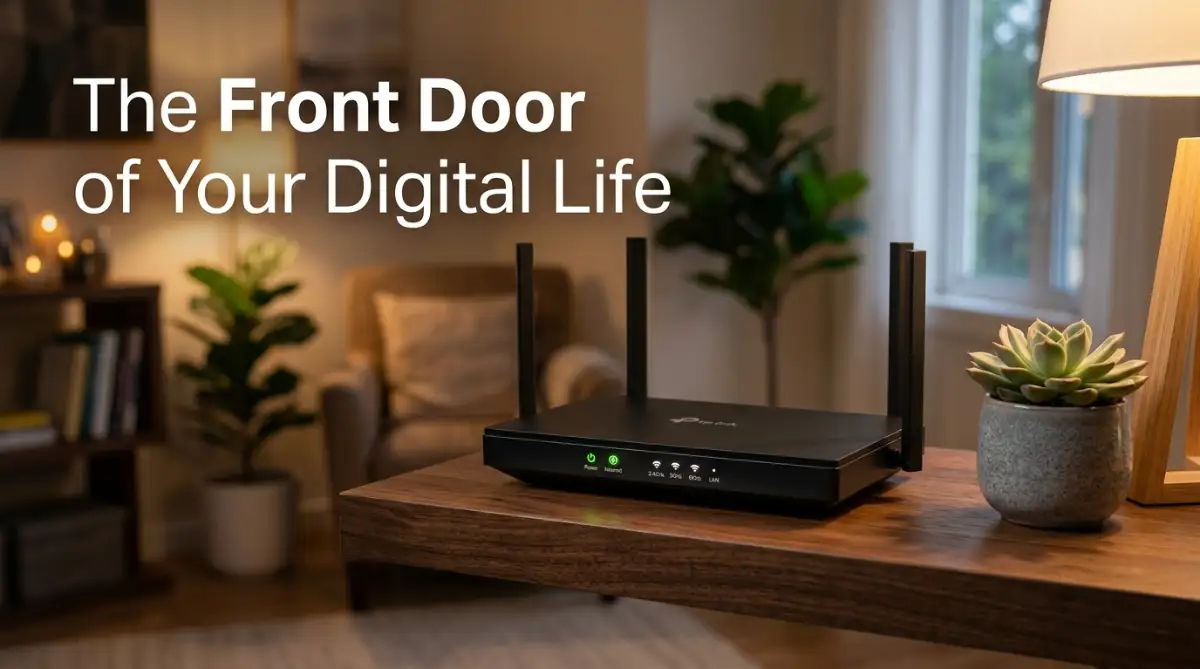
Your Wi-Fi router is the absolute center of your entire digital life. Every single smart bulb, television, and security camera has to pass through this router to work properly.
Think of your router as the main security guard standing at the front door of a private club. If the security guard is lazy and easily tricked, anyone can walk inside your house.
When your internet service provider installed your router, they likely left the factory default settings in place. This includes the default administrator password printed on the sticker at the back of the machine.
Hackers actually have massive public lists of these default passwords. If they find your network, they simply guess the factory password and walk right past your security guard.
Your First Action: You must change the router's administrator password immediately. Open your internet browser, type in your router's IP address, and create a completely unique, highly complex password for the admin panel.
Do not confuse this with your Wi-Fi password. The admin password is the key to the brain of the router, and it needs to be the strongest password in your entire house.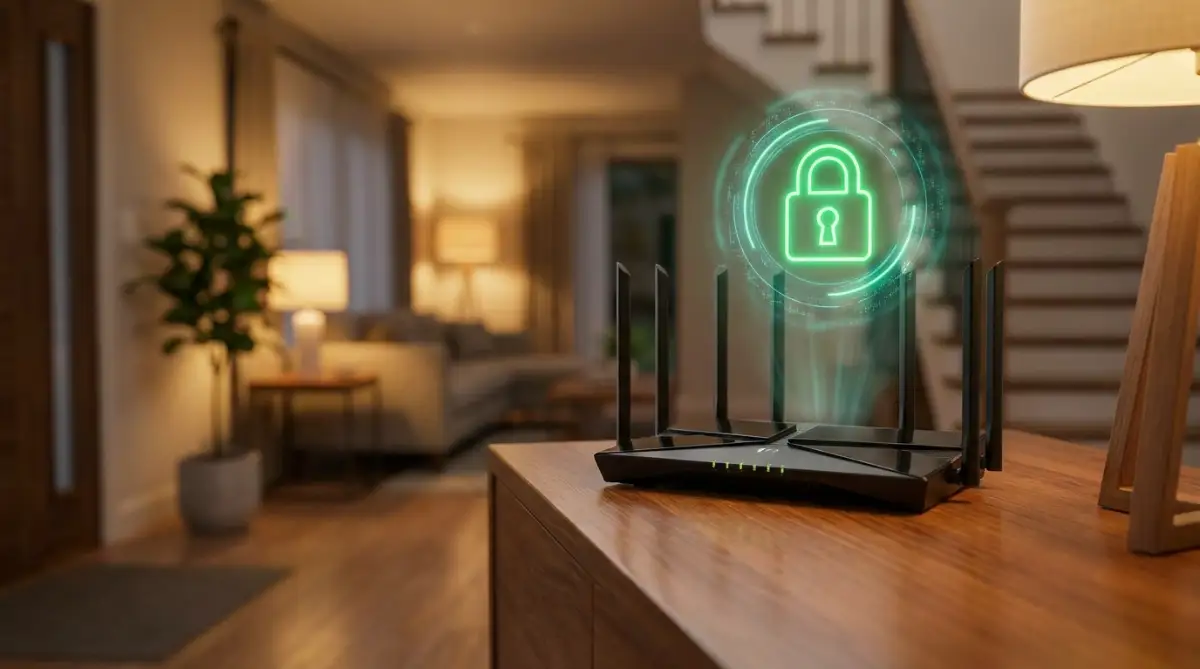
Creating a Digital Quarantine Zone
This is a secret technique that cybersecurity experts use in their own homes. Most modern routers have a feature called a "Guest Network."
Usually, people turn this on so their visiting friends can browse the internet without seeing the main password. However, this guest network is actually your best defense against vulnerable smart gadgets.
Imagine your main Wi-Fi network is a highly secure vault. Inside this vault, you keep your personal laptop, your smartphone, and your private banking information.
Now, imagine you buy a cheap smart plug from an unknown brand online. This cheap plug likely has terrible internal security and could easily be hacked.
If you put that cheap plug in your main vault, a hacker can use it as a bridge to attack your private laptop. They use the weakest link to gain full access to your most sensitive devices.
When I first started buying smart bulbs, I made the huge mistake of connecting them straight to my main Wi-Fi, right next to my private work computer. I quickly realized that if a hacker broke into a cheap three-dollar smart plug, they could easily jump over and steal my banking files. Setting up a dedicated guest network just for my gadgets was the absolute best trick I ever learned to instantly block that hidden danger.
Instead, you should connect every single smart home device to your isolated Guest Network.
This creates a completely separate digital quarantine zone. Even if someone manages to hack your smart light bulb, they are trapped in the guest network and cannot even see your personal laptop.
The 3-Minute Guest Network Checklist:
- Log into your router's admin page using your web browser.
- Find the "Wireless Settings" or "Guest Network" tab.
- Turn it on and name it something boring (like "Home_Net_2").
- Connect all your smart bulbs, plugs, and speakers to this new network immediately.
If you are unsure how to actually create this safe second network, watch this quick step-by-step video below to see how easily you can set up a guest Wi-Fi on your router, and then keep reading to learn why ignoring software updates is incredibly dangerous.
The Invisible Shield of Software Updates
We all have a terrible habit of ignoring software update notifications. When an app asks to update, we usually swipe it away because we are too busy.
When it comes to smart home devices, ignoring updates is incredibly dangerous. Hackers work tirelessly every single day to find new loopholes in device software.
When a manufacturer discovers one of these loopholes, they write a patch to fix it. This patch is sent to your device as a firmware update.
Think of a firmware update as a digital vaccine for your gadgets. It teaches the device how to fight off the latest known viruses and attacks.
If you do not apply the update, your device remains highly vulnerable to older, well-known hacking methods.
The Expert Strategy: Open the companion app for every smart device you own. Dig into the settings menu and look for a toggle switch labeled "Automatic Firmware Updates."
Turn this feature on for your cameras, speakers, and thermostats. Let the devices heal and protect themselves while you sleep, ensuring you always have the latest security patches.
Hiding Your Network in Plain Sight
When you open your phone to connect to Wi-Fi, you see a long list of network names from your neighbors. These names are called SSIDs (Service Set Identifiers).
Many people make a massive mistake when naming their home network. They use highly descriptive names like "Smith Family Smart Home" or "Apartment 4B Netgear."
This is basically handing a hacker a treasure map. You are telling them exactly who you are, where you live, and what kind of router hardware you are currently using.
Hackers love it when you use the router brand in the name. If they know you use a specific Netgear or Asus model, they instantly know which specific hacking tools to try first.
You need to make your network completely boring and invisible to the naked eye. Change your network name to something highly generic and meaningless.
Something like "BlueSky_55" or "Local_Net_9" gives away absolutely zero personal information. The less information you broadcast to the street, the safer your internal network becomes.
Advanced Privacy Move: If you want to be completely invisible, you can choose to hide your SSID entirely in your router settings. Your network will stop broadcasting its name to the public. You will have to type the name manually to connect new devices, which makes it nearly impossible for casual hackers to find you.
Locking Down the Control Center Apps
Securing the hardware is only half the battle. We also need to talk about the software living on your personal smartphone.
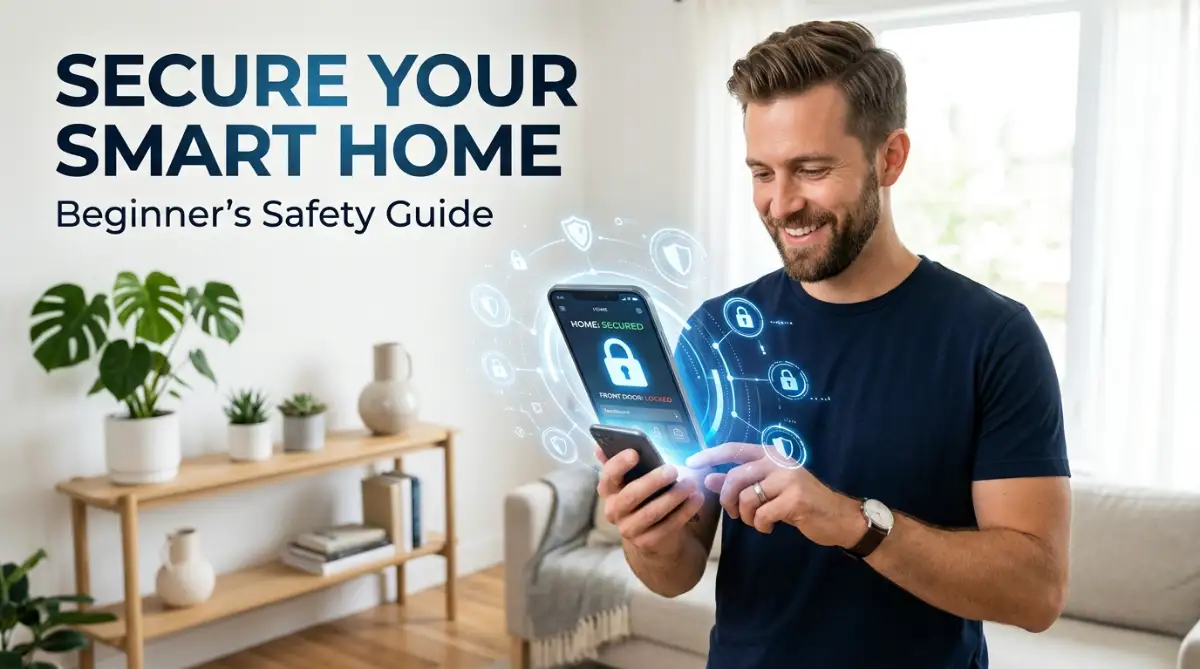
Every smart camera or thermostat you buy comes with a control application. This app is the remote control for your entire house.
If a malicious person guesses the password to your smart home app, they do not even need to hack your router. They can simply log into the app from another country and unlock your front door.
This happens incredibly often because people reuse the same simple passwords for multiple websites. If your favorite clothing store gets breached, hackers will test that exact same email and password combination on smart home apps.
You absolutely must use a unique password for every single smart home application. More importantly, you must turn on Two-Factor Authentication (2FA) immediately.
Two-Factor Authentication acts like a second security guard checking your ID. Even if a hacker successfully guesses your password, the app will refuse to open.
It will send a secret code to your physical phone number or an authenticator app. Without that temporary secret code, the hacker is completely locked out of your digital home.
Managing Device Permissions Carefully
When you first install a smart home app, it usually asks for a long list of permissions. It wants access to your microphone, your location, your photo gallery, and your contacts.
Most people just blindly tap "Agree" to get the setup process over with quickly. This is a massive invasion of your personal privacy.
Ask yourself logically: why does a smart light bulb application need to read your personal text messages? Why does a smart coffee maker need to track your exact GPS location all day?
These companies often collect this extra data to build a profile on your daily habits. They can legally sell your behavioral data to marketing agencies without you ever knowing.
Go into your smartphone settings and review the permissions for every smart home app. Revoke any permission that does not make logical sense for the device to function.
A smart speaker obviously needs microphone access, but it does not need access to your camera roll. Taking strict control of these permissions puts an immediate stop to corporate data harvesting.
The Danger of Used and Refurbished Tech
Building a secure network is an exciting project, and buying cheap smart devices seems like a great idea. You might browse online marketplaces for used smart cameras or discounted thermostats.
While saving money is always nice, buying used security tech is highly risky. You have no idea what the previous owner did to the internal software.
A highly skilled bad actor can modify the firmware of a smart camera and then sell it online. When you bring that modified camera into your home, you are intentionally installing a spying device.
When it comes to internal home security, cameras, and smart locks, you should always buy brand new devices from reputable stores.
If you absolutely must buy a refurbished item, make sure it is officially certified by the original manufacturer. As soon as you unbox a used device, perform a hard factory reset to wipe any lingering data or hidden settings left by the previous owner.
Advanced Defense Strategies for Your Connected Life
Now that you have secured the front door of your network, we can look at some highly advanced methods to completely lock down your digital life. These strategies might seem a bit technical at first, but they are incredibly practical once you understand the logic behind them.
You do not have to implement all of these at once. Take your time, apply one strategy per weekend, and slowly build a digital fortress that protects your family twenty-four hours a day.
Physical Privacy Trumps Digital Software
When we talk about digital security, we often forget about the physical world. Software is amazing, but it can occasionally fail or act unpredictably.
If you have a smart camera sitting in your living room or bedroom, you are essentially trusting a piece of code to respect your privacy. What happens if the software bugs out and turns the camera on without you knowing?
The absolute best way to protect your privacy is to use a physical barrier. Many modern indoor cameras now come with a built-in physical privacy shutter.
This is a small plastic cover that you can slide over the camera lens when you are home. Even if the best hacker in the world breaks into your network, they will only see a black piece of plastic.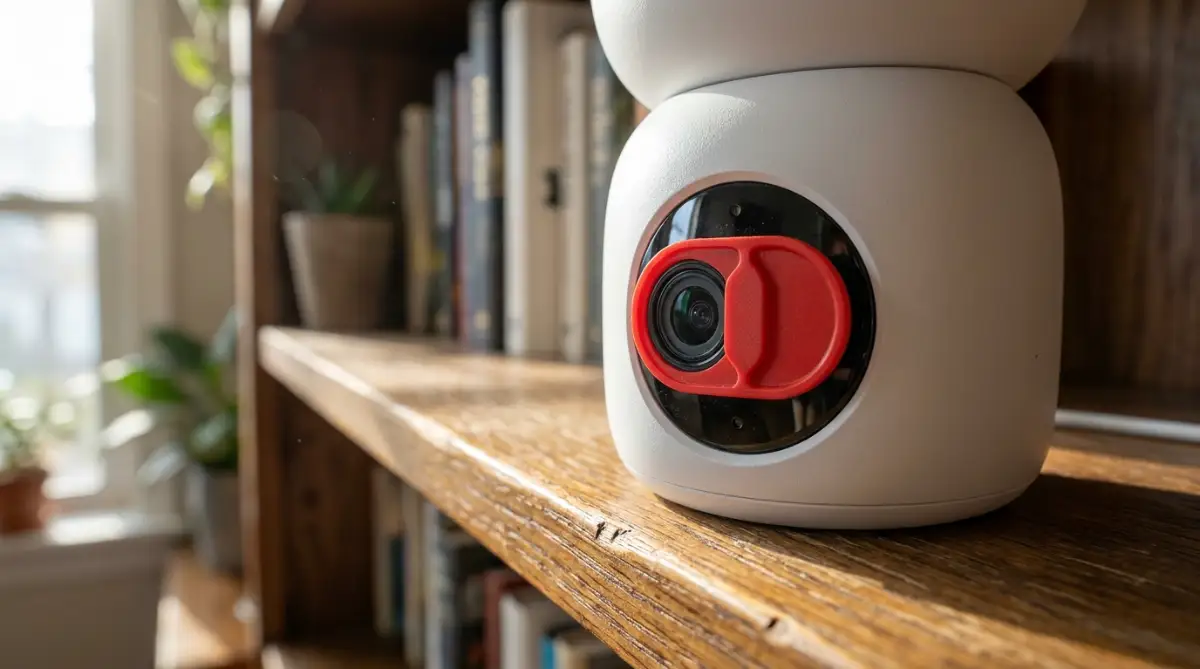
If your current camera does not have a built-in shutter, just turn it around to face the wall when you are relaxing in the house. Some people even unplug the indoor cameras entirely, plugging them back in only when they leave for a vacation.
Understanding Local Storage vs. Cloud Storage
When your smart security camera records a video of someone walking up to your porch, where exactly does that video go? Most affordable cameras automatically upload every single video clip directly to a remote server owned by the manufacturer.
This is known as cloud storage. While it is highly convenient, it means your private videos are living on a server somewhere in another country.
If that remote server gets breached, your private home videos could potentially be exposed. To completely avoid this risk, you should look for smart devices that offer Local Storage.
Local storage means the camera saves the video directly onto a tiny MicroSD card plugged into the physical camera itself. The video never travels across the internet, and no outside company ever gets a copy of your recording.
Did You Know?
A MicroSD card with 128GB of storage usually costs less than $15 online and can hold weeks of continuous security footage. Paying for a monthly cloud subscription often ends up costing you over $100 a year, and your private videos live on a server you do not even control. Going local is cheaper and way safer.
You maintain absolute physical control over your data. For a deeper understanding of how data flows across different systems, the National Institute of Standards and Technology provides excellent guidelines on securing Internet of Things devices for home consumers.
Creating a Unified Smart Home Ecosystem
One of the biggest mistakes beginners make is buying completely random brands. They buy a smart bulb from brand A, a thermostat from brand B, and a camera from brand C.
Every single brand requires you to download a different companion app on your phone. Soon, you have fifteen different apps managing fifteen different accounts, each with its own privacy policy.
This scattered approach creates a massive security nightmare. You cannot easily keep track of which app has which permissions or which device needs a firmware update.
Pro Tip: Pick one major, highly trusted ecosystem and stick to it. Whether you choose Apple HomeKit, Google Home, or Amazon Alexa, buying devices that work within a single system makes management incredibly easy.
When everything runs through one central, highly secure hub, you only have to manage one set of passwords. Major companies invest billions of dollars into their security infrastructure, making it much harder for hackers to break into a unified system.
Smart Plug Management and Power Control
We often leave devices plugged in and powered on all day long, even when we are miles away at the office. An active device is always looking for a connection, which means it is constantly exposed to potential threats.
If you have non-essential smart gadgets like a decorative color-changing lamp or a smart coffee maker, you should put them on a schedule. Many smart plugs allow you to completely cut the physical power to the device during specific hours.
If you are at work from nine to five, set the smart plug to turn off completely during those hours. A device with no electrical power physically cannot be hacked, hijacked, or monitored.
The Most Dangerous Pitfalls for New Smart Home Owners
Building a smart home is exciting, but enthusiasm often causes people to rush through the setup process. When you rush with connected technology, you usually leave massive gaps in your digital armor.
Let us look closely at the most severe mistakes people make without even realizing it. These actions might seem harmless on the surface, but they can easily lead to a complete compromise of your personal privacy.
Trusting the "Free Wi-Fi" Illusion
Imagine you are sitting at a public coffee shop or an airport. You want to quickly check the live feed of your home security camera to see if your package was delivered.
You connect your phone to the open, public Wi-Fi network provided by the cafe. You open your smart home app, log in, and check the video feed.
You just committed a massive security error. Public Wi-Fi networks are incredibly dangerous because they are completely unencrypted.
Anyone sitting in that same coffee shop with a basic piece of hacking software can intercept your internet traffic. They can steal the login credentials for your smart home app right out of the thin air.
If you need to manage your smart home while sitting in a public place, you must turn off the Wi-Fi on your phone. Rely entirely on your cellular data connection (4G or 5G) instead.
Cellular connections are heavily encrypted by your phone provider, making it nearly impossible for a random person in a cafe to steal your data. Alternatively, you can use a high-quality Virtual Private Network (VPN) on your phone to scramble your data before it hits the public router.
Buying Ultra-Cheap, Unbranded Gadgets
If you browse cheap online marketplaces, you will see smart light bulbs selling for just three dollars. You will find smart security cameras for under ten dollars.
These prices seem incredibly tempting, especially if you are trying to outfit an entire house on a tight budget. However, you must ask yourself a very serious question.
How can a company afford to sell a complex piece of technology for just three dollars? The answer is terrifying: they completely cut out the security development budget.
Ultra-cheap, unbranded devices are hastily manufactured using stolen or outdated code. The companies that make them do not offer any customer support, and they never release security updates.
When a hacker finds a flaw in that three-dollar smart bulb, that flaw stays there forever. The company will simply vanish, change its name, and start selling a new cheap product.
Investing in well-known, reputable brands is absolutely non-negotiable when building a smart home. You are paying extra money for the guarantee that a team of engineers is actively monitoring and updating the software to keep you safe.
Reusing The Same Password Everywhere
We briefly mentioned this earlier, but it is so important that it deserves a deeper explanation. Human beings are naturally lazy when it comes to memory.
We try to use the exact same password for our email, our bank account, and our smart thermostat application. This habit creates a terrifying domino effect.
If you reused that password on your smart home account, they will automatically gain access to your house. You will have absolutely no idea how it happened because your smart home company was never actually hacked.
You must use a password manager to generate long, complex, and completely random passwords for every single smart home application you use. A password like "gH7!kL9#mP2" is physically impossible to guess, and a password manager will remember it for you automatically.
Just like you should never fall for the old myth of leaving your phone plugged in constantly—which you can read more about in the most common smartphone charging myths completely debunked—you should never fall into the lazy habit of password reuse.
A Final Blueprint for a Safe Digital Future
You now have a complete understanding of how to protect your personal sanctuary. You do not need to be afraid of the technology you buy.
When properly configured, smart home devices offer an incredible level of comfort, energy efficiency, and genuine security. The fear only exists when we leave these devices completely unmanaged and ignored.
By taking a few hours to actively configure your router and review your app permissions, you put a massive, invisible shield around your family. You take back control from the manufacturers and the invisible threats on the internet.
Your Quick Action Plan for This Weekend:
- Log into your main internet router and change the default administrator password immediately.
- Set up a dedicated "Guest Network" and move every single smart light, plug, and speaker onto it.
- Open the settings in your smart home apps and turn on Two-Factor Authentication (2FA).
- Check for firmware updates on every connected device in your house.
- Slide the physical privacy covers over your indoor security cameras when you are relaxing at home.
Technology should serve you, not spy on you. By following these highly practical steps, you can finally enjoy the futuristic convenience of your smart home with complete, absolute peace of mind.
Now, grab your smartphone, open your router settings, and start locking down your digital front door today.
Taking just a few minutes to finally lock down my router gave me my peace of mind back, and I honestly sleep so much better now knowing my cameras are safe. You have the exact same power to take control of your digital privacy, so do not wait until tomorrow to change those default passwords!
Disclaimer: The information provided in this blog post is strictly for educational and informational purposes. Cybersecurity threats are constantly evolving, and no system can ever be guaranteed as one hundred percent secure. Always consult with the official documentation of your specific router and smart devices for the most accurate and up-to-date security setup instructions.