The Hidden Anxiety of Using Public AI Assistants
Ever feel weird about pasting your private work emails into a public AI? I used to do it all the time until I realized I was basically shouting my secrets into a megaphone for big tech companies to hear. If you want to use AI without selling your soul, you need a local setup that stays on your own laptop. It sounds hard, but it's actually pretty simple to do.
A few months ago, I was pasting some highly sensitive client emails into a public chatbox to quickly fix my grammar. Right as I was about to hit send, a cold wave of panic hit me because I suddenly realized I was handing over private business secrets to a massive tech company. That scary moment made me stop using these tools for my personal work completely, until I finally figured out how to build my own offline setup.
But lately, an uncomfortable feeling might be creeping up on you. You want an AI that truly understands your specific life, your business, and your unique writing style.
To get that, you need to feed it your personal emails, your financial spreadsheets, or your private journal entries. And that is exactly where the anxiety hits hard.
It feels completely wrong to hand over your most sensitive files to giant tech companies just to get a slightly better email draft. You feel stuck between wanting advanced technology and protecting your basic right to privacy.
The fear of your data being used to train public models, or worse, falling into the wrong hands, is incredibly stressful. You end up not using the tools at all, missing out on massive productivity gains because you simply cannot trust the system.
This exact struggle is what pushes many smart people to look for a better way. What if you could have the smartest assistant in the world, living entirely inside your own computer?
You can build an AI that knows everything about you, but it never speaks to the outside world. This is not science fiction anymore.
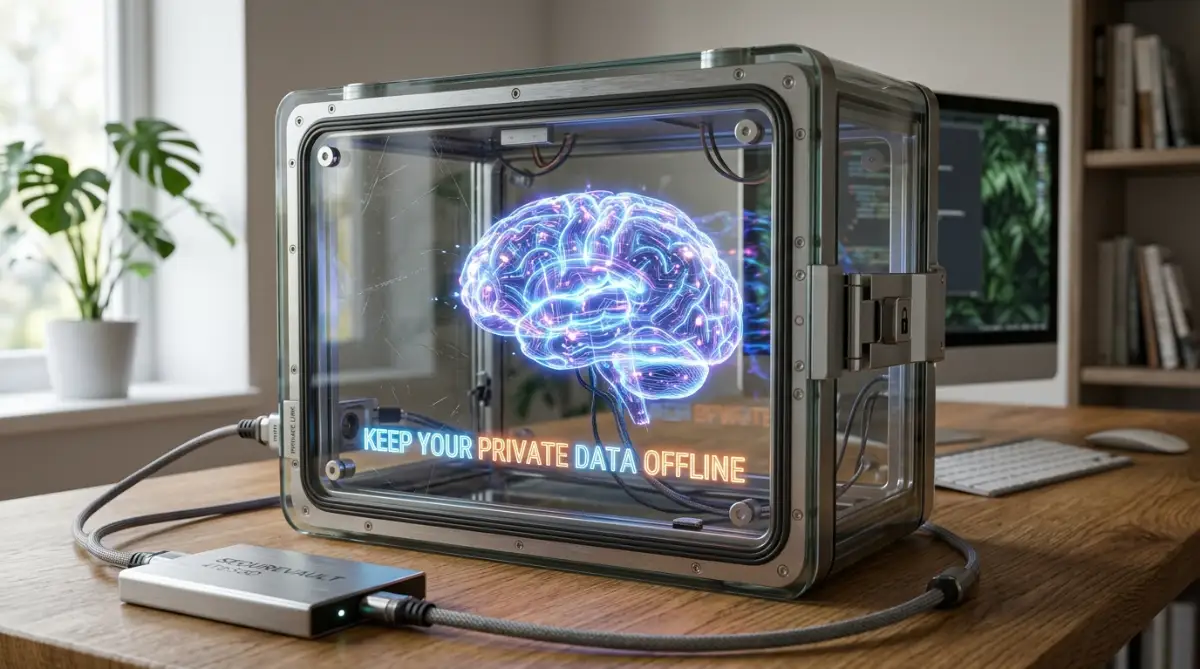
Taking Control: The Blueprint for a Private AI Assistant
Building a custom machine learning model at home sounds like rocket science. It really is not.
Think of it like cooking a specialized meal in your own kitchen. You bring the ingredients, you control the stove, and nobody else gets to taste it unless you invite them.
The secret lies in running open-source models completely offline. When you sever the internet connection, your data physically cannot leave your machine.
Let us break down exactly how you can build this safe, personalized intelligence from scratch. We will walk through the exact methodology, keeping things simple, practical, and highly secure.
The 'Stay Private' Cheat Sheet
- Kill the Wi-Fi: The only way to be 100% safe is to run your AI offline.
- Pick the Right Brain: Use 'Llama 3' for general talk or 'Mistral' for fast responses.
- Clean Your Files: Delete passwords and bank info from your notes before you give them to the AI.
- Use RAG, Not Training: Don't try to 'train' the AI. Just give it your files to read like an open-book test. It's faster and safer."
Phase 1: Gathering and Isolating Your Digital Footprint
Before an AI can learn about you, it needs to read about you. We call this raw information your personal dataset.
However, you cannot just throw a random folder of messy files at a machine learning algorithm. You need to organize it logically.
Start by identifying exactly what you want the AI to learn. Do you want it to mimic your coding style? Gather your old scripts.
Do you want it to summarize your daily business meetings? Export your meeting transcripts. The quality of your AI is entirely dependent on the quality of the information you feed it.
Expert Insight:
Always create an "Offline Sandbox Folder" on your computer. Before you begin, move all your intended training data into this specific folder. Once the files are in this folder, disable any cloud syncing services like Dropbox or Google Drive for that specific directory. This guarantees absolute zero data leakage.
You might be wondering how to extract this data. Most messaging apps, email clients, and note-taking apps have a simple "Export" feature.
Download these files in standard formats like plain text (.txt), comma-separated values (.csv), or simple PDFs. Keep the formatting as basic as possible.
The machine learning system does not care about fancy fonts or colorful charts. It only cares about raw, clean text.
Phase 2: The Art of Cleaning Your Personal Data
Having lots of data is great, but messy data will make your AI very confused. If you feed an AI thousands of emails that include endless disclaimers and automatic signatures, it will start repeating those signatures back to you.
We need to scrub the dataset. This step requires a bit of manual effort, but it pays off massively.
Open your exported files and look for repetitive garbage. Delete old email chains that have no real context.
Remove broken symbols, weird emojis, or formatting glitches caused by exporting. If your data is a conversation, clearly label who is speaking.
For example, format it simply like this:
User: How do I fix the kitchen sink?
Me: You need a wrench and some plumber's tape.
Myth vs Reality in Data Preparation
Common Myth The Real Truth
I need millions of documents to train an AI. You only need a few hundred high-quality examples to teach an AI your specific style.
The AI can read any file format instantly. AI prefers simple formats like .txt or .json. Complex PDFs often require text extraction first.
I need a supercomputer to process my files. Basic data cleaning can be done in Notepad or Excel on a standard laptop.
Treat your data like raw vegetables. You must wash them and chop them before putting them into the soup.
A clean dataset ensures your custom machine learning model learns the right lessons, rather than focusing on typos and formatting errors.
Phase 3: Choosing the Right Local Brain (LLM)
Now that your data is ready, you need a brain to process it. Instead of connecting to a public cloud brain, we are going to download a smaller, highly capable open-source brain right onto your hard drive.
These are known as Large Language Models (LLMs). The open-source community has released incredibly smart models that are completely free to use.
You do not need to build the software from scratch. Companies like Meta, Mistral, and Google have released smaller versions of their models for the public.
You can download models like Llama 3 or Mistral directly to your computer. They arrive as large files, usually ranging from 4 to 8 gigabytes.
Think of this base model as a highly educated college graduate. They know a lot about the general world, math, and history.
But they do not know anything about your specific job or your personal life yet. That is where your clean dataset comes into play.
Pro Tip for Hardware Compatibility:
You might worry that your computer will melt trying to run this. The truth is, modern laptops are surprisingly powerful. If you have at least 16GB of RAM and a decent processor, you can comfortably run a customized model locally. For an even smoother experience, using a machine with a dedicated Graphics Processing Unit (GPU) will speed things up significantly.
Will My Computer Run This? (Quick Hardware Guide)
Phase 4: Setting Up the Safe Environment
Before you introduce your data to the downloaded model, you need a safe environment to run the software. You will use specialized local programs to host the AI.
Applications like LM Studio or Ollama are fantastic tools for beginners. They provide a simple, clean interface that looks just like a standard chat application.
If you are a visual learner, watch this quick step-by-step video below to see exactly how easy it is to install these offline AI tools on your computer, and then keep reading to find out how to safely feed your private files into the system.
The beauty of these applications is that they work entirely offline. You can literally unplug your Wi-Fi router, and the software will function perfectly.
This is the ultimate peace of mind. By keeping everything on local host, your personal data never touches a network cable.
To set this up, simply download the installer from their official websites. Install the software just like you would a regular video game or web browser.
Once installed, use the program's built-in search feature to download your chosen model. Remember to do this step while you still have internet access! Once the model is securely saved on your hard drive, you can disconnect your internet.
Phase 5: The Magic of RAG (Retrieval-Augmented Generation)
Now we reach the most exciting part. How do we actually merge your personal data with this downloaded AI brain?
Many people think they need to "fine-tune" the model by writing complex Python code. While fine-tuning is an option, it is extremely difficult, requires massive computing power, and is often unnecessary for personal use.
Instead, we use a much safer and easier method called RAG. Think of RAG as giving the AI an open-book test.
Myth vs. Reality: The Truth About Local AI
- Myth: You need to be a programmer to do this.
- Reality: If you can install a video game, you can install tools like LM Studio. It’s just 'point and click.'
- Myth: Local AI is 'dumber' than ChatGPT.
- Reality: For specific tasks like summarizing your personal notes, a local AI is often better because it isn't trying to please everyone—just you.
Instead of forcing the AI to memorize your personal diary permanently, you place your diary on a desk in front of it. When you ask a question, the AI quickly reads the relevant pages of your diary and gives you an answer based on what it just read.
This method is incredibly secure. If you want to delete a piece of personal data, you just delete the text file.
The AI instantly forgets it because the information was never baked into its core memory. It only reads what you currently provide in the folder.
To set up RAG locally, you can use beginner-friendly desktop applications like Any thing LLM. This software allows you to drag and drop your clean PDF or text files into a safe workspace.
The software then acts as a bridge. It reads your private files, connects to your local AI model, and allows you to chat directly with your own documents.
Imagine asking your local chat window, "What did I decide in the family meeting last month?" The AI scans your local meeting notes, processes the text, and gives you a direct, accurate answer.
No internet required. No data privacy policies to read. Just pure, personalized intelligence running quietly on your own hardware.
This approach completely changes how we interact with technology. You become the owner of your AI, rather than just a product feeding data into a corporate machine.
You can slowly expand your personal dataset over time. Add new coding projects, fresh daily journals, or recent financial goals.
Because the entire ecosystem lives safely on your hard drive, you can experiment freely without any anxiety. You finally have a digital assistant that truly knows you, respects your boundaries, and keeps your secrets safe.
Mastering Your Private Assistant: Next-Level Customization Strategies
You now have a basic local model running safely on your computer. You successfully gathered your first batch of private files and connected them using the RAG method.
But right now, your digital assistant is like a smart intern on their first day of work. They mean well, but they still need some serious guidance to become truly exceptional.
If you want this system to give you highly accurate, deeply personalized answers, you have to go beyond the basic setup. Let us look at how the experts fine-tune their local environments for maximum performance.
The goal here is not just to make the software work. We want to make it feel like an absolute extension of your own brain.
The Secret of Data Chunking
One of the biggest secrets in local machine learning is how you format your text files before uploading them. Most beginners just dump a massive 300-page PDF into their workspace and expect the system to understand it perfectly.
This rarely works well. When a model tries to read a massive document all at once, it often loses focus and forgets the middle sections.
To fix this, you should practice something called "chunking." This simply means breaking your large documents into smaller, bite-sized pieces.
Instead of one giant file called "My_Life_Journal.txt", break it down by month or even by specific events. Save them as "Journal_January.txt" and "Journal_February.txt".
I actually learned this the hard way when I dumped a massive 500-page tax document into my very first local setup, and the system just froze up and started spitting out random nonsense. Once I realized my mistake and started breaking my files into tiny, single-topic text documents, my local assistant became lightning fast and amazingly accurate.
When the model searches for an answer, it can pull from these specific, highly targeted chunks. This drastically improves the speed and accuracy of the answers you receive.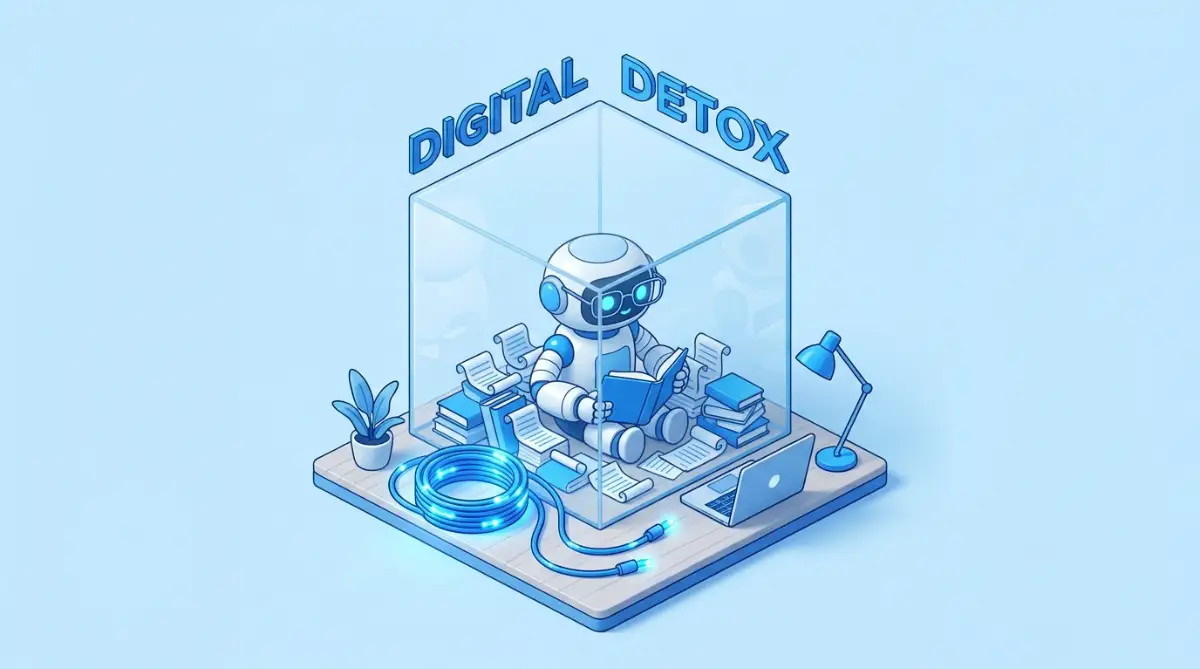
Controlling the Creative Temperature
Did you know you can easily control how creative or strict your local model acts? Look inside the settings menu of your local hosting software, like LM Studio or Any thing LLM.
You will find a slider labeled Temperature. This tiny setting completely changes how your system behaves.
If you set the temperature very low, like 0.1 or 0.2, the system becomes highly logical and factual. It will stick exactly to the text in your documents without making any guesses.
This is perfect if you are asking it to summarize financial reports or pull exact quotes from meeting transcripts. You want zero creativity when dealing with hard facts.
However, if you want help brainstorming new ideas based on your old journal entries, you should turn the temperature up to 0.7 or 0.8. This allows the system to mix concepts together and give you highly creative suggestions.
Many people struggle with flat, boring answers because they leave this setting on default. If you want to dive deeper into this, you can learn how to fix robotic AI responses with exact prompting techniques.
Adjusting the temperature based on your specific task will make your assistant feel incredibly smart.
Creating Specific Personas
You do not have to limit yourself to just one generic assistant. Because this runs entirely on your own hard drive, you can create multiple different workspaces for different parts of your life.
Create one workspace purely for your professional life. Feed it your business emails, industry reports, and project guidelines.
Then, create a completely separate workspace for your hobbies. Feed this one your favorite recipes, workout routines, and personal reading notes.
By keeping these datasets isolated from each other, you prevent the system from getting confused. You will never accidentally get a recipe for chicken soup when you are asking about your quarterly taxes.
Managing your data ethically and securely is highly recommended by top privacy organizations. Following the principles of data minimization published by the NIST ensures you only feed the system exactly what it needs for a specific task.

The Dangerous Traps of DIY Machine Learning
Building a secure offline environment feels empowering, but it also comes with real responsibilities. Because you are the administrator of this system, there is no tech support team to save you from bad habits.
Many people make honest mistakes that completely ruin their experience. Some of these mistakes can even compromise the very security they were trying to build.
Let us walk through the most common disasters people face when running local intelligence. By recognizing these traps early, you can save yourself hours of frustration and keep your setup running smoothly.
The Password and Secret Key Trap
This is arguably the most dangerous mistake a beginner can make. When you export massive amounts of personal data, you often forget what is actually hidden inside those files.
You might export a long chain of emails and forget that your accountant sent your tax ID number in the middle of it. Or maybe you have a text file filled with old passwords that you just dumped into the training folder.
Even though your model is completely offline, having this data easily accessible by a chat interface is a huge risk. Imagine a friend or family member sitting at your computer and casually asking the system, "What are my financial details?"
The system will happily spit out your social security number or bank routing details right on the screen. You must aggressively sanitize your raw files before uploading them.
Take the extra time to use the search function in your text editor. Search for words like "password", "SSN", or "login" and delete those lines before the model ever sees them.
The Data Hoarding Illusion
There is a strange psychological urge to feed the system absolutely everything you own. People think that more data automatically equals a smarter machine.
So, they upload 10 years of random chat logs, thousands of spam emails, and outdated grocery lists. This is a massive mistake that will poison your results.
If you feed the system garbage, it will give you garbage back. If half of your dataset consists of short, meaningless text messages like "Okay" or "Be there in 5," the model will start talking to you in that exact same unhelpful way.
Quality is always better than quantity. You are better off providing 50 highly detailed, well-written documents than 5,000 messy, broken files.
If you are trying to streamline your workflow, focus strictly on the data that matters. You might even want to automate your repetitive daily tasks before you even begin processing this data.
Hardware Burnout and Neglect
Running a large language model takes a heavy toll on your computer's resources. When the model is actively reading documents and generating text, your processor and graphics card are working at maximum capacity.
A very common mistake is running these heavy tasks on a laptop while leaving it on a soft surface like a bed or a couch. This blocks the cooling vents instantly.
Within minutes, your laptop will overheat, the fans will scream, and the system might completely crash. Always run local models on a hard, flat surface.
If you notice your computer struggling to generate words, you might be using a model that is simply too large for your hardware. According to Stanford University's research on efficient edge computing, running smaller, highly optimized models often yields better results on home computers than trying to force a massive model to run slowly.
Do not be afraid to delete a large model and download a smaller, faster version. A fast, snappy assistant is always more enjoyable to use than a genius assistant that takes ten minutes to answer a simple question.
Your Next Steps Toward Digital Independence
We have covered a massive amount of ground today. You now understand exactly why relying on public servers for private data is a bad idea.
More importantly, you know the exact steps to bring that incredible power directly onto your own desk. You know how to gather your files, clean the messy parts, and set up a secure offline host.
This is no longer a concept reserved for highly paid software engineers in massive tech companies. The tools are free, they are accessible, and they are waiting for you to use them.
The shift toward independent, local technology is growing rapidly every single day. We are seeing a massive trend of low-code software replacing human programming efforts, making these advanced tools easier for regular people to manage.
A Weekend Action Plan
Do not let this information just sit in your mind. The best way to learn this is by simply doing it.
Start small this weekend. You do not need to organize your entire life's digital footprint in one afternoon.
Pick just one specific area of your life to experiment with. Export a few of your favorite blog posts, or some notes you took from a recent book you read.
Download a beginner-friendly tool like LM Studio, load up a small model, and drop those few notes into the workspace. Ask it a simple question about your notes and watch the magic happen completely offline.
Once you see those words appearing on your screen, knowing that the internet is completely disconnected, your entire perspective on technology will change. You will realize that true digital privacy is actually possible.
You do not have to trade your personal secrets just to get a little bit of help organizing your life. You have the power to build something incredibly smart, deeply personal, and entirely yours.
Take control of your data today, build your safe environment, and enjoy the true freedom of a completely private digital assistant.
Seeing my own private assistant successfully answer a question using my personal notes, all while my Wi-Fi was completely turned off, was honestly a magical feeling. I promise you, taking just a little time this weekend to set this up will completely change the way you work, so go ahead and download your first local model today!
Disclaimer: The information provided in this article is for educational and informational purposes only. Running local machine learning models requires adequate hardware and basic technical understanding. Always ensure you are complying with the licensing agreements of any open-source models or software you download. We do not take responsibility for data loss or hardware issues that may occur during the setup process. Always back up your critical files before experimenting with new local software environments.