The 1% Battery Panic: A Daily Emotional Rollercoaster
You look at your screen. 1% battery left. Suddenly, your heart skips a beat. You instantly start digging through your bag for a cable, panicking like you just lost your wallet. But why do we let a tiny red icon ruin our mood? I used to stress over charging rules too, blindly following weird advice from random internet forums. Today, I am going to show you why most of what you know about phone batteries is completely wrong, and how you can finally stop stressing over your charger.
Instantly, a wave of mild panic sets in. You start searching your pockets for a charging cable like your life depends on it. You ask everyone around if they have a spare power bank.
I remember being at a concert last year, trying to record my favorite song when my phone suddenly died at five percent. I spent the rest of the night feeling completely disconnected and stressed out because I could not even call an Uber to get home. That frustrating moment made me realize I was letting a tiny battery icon control my daily happiness, and I knew I had to figure out how to fix this awful anxiety.
Because we care so much about keeping our devices alive, we tend to develop very strict charging habits. We listen to advice from our friends, family, and random internet forums about how to treat our phones. We follow these invisible rules blindly, hoping to keep our batteries healthy for as long as possible.
But what if I told you that most of the things you do to protect your phone are actually completely useless? What if the daily rituals you follow are based on outdated information from a decade ago?
Technology moves incredibly fast, but human habits take a long time to change. The advice that worked for old flip phones is still being applied to modern supercomputers sitting in our pockets.
Today, we are going to look at the exact science behind your phone battery. We will strip away the rumors and expose the truth behind the most common charging habits. It is time to stop stressing over your charger and start enjoying your device exactly as it was meant to be used.
Fast Takeaways: Stop the Battery Panic
- Overnight charging is 100% safe: Your phone is smart enough to stop accepting power when it reaches full capacity.
- Stop draining to zero: Letting your battery die completely actually hurts the internal chemistry. Keep it topped up!
- Heat is the real enemy: If your phone gets hot while gaming or charging, take off the thick case and let it cool down.
- Skip the overpriced cables: You do not need expensive official chargers, just stick to well-known, certified third-party brands.
Understanding the Brain Inside Your Battery
Before we break down the common lies we tell ourselves, you need to understand how your phone actually works. Modern smartphones do not use the same batteries that powered electronics in the early 2000s.
Back in the day, devices used Nickel-Metal Hydride (NiMH) batteries. Those older batteries were basically quite dumb. They had something called a "memory effect."
If you did not use the full capacity of an old battery before plugging it in, the battery would literally forget its actual size. It would remember the smaller capacity and give you less power over time. That is where most of our current charging paranoia originally comes from.
However, modern devices use Lithium-ion (Li-ion) or Lithium-polymer (Li-po) batteries. These modern power cells are incredibly smart. They do not have any memory effect at all.
You can charge a lithium-ion battery whenever you want, for as long as you want, without confusing its internal memory. Furthermore, your phone has a built-in Power Management IC (Integrated Circuit).
Think of this tiny chip as a traffic cop sitting directly between your charging cable and your battery. This chip controls the exact flow of electricity. It knows exactly when to pull power, when to slow down, and when to stop entirely. Your phone is basically smart enough to protect itself from your bad habits.
Myth 1: Leaving Your Phone Plugged in Overnight Will Cause an Explosion
This is easily the most popular fear among smartphone users today. You plug your device in before bed, and you worry that the battery will keep receiving power after it hits a hundred percent.
People assume that forcing electricity into a full battery will cause it to swell up, catch fire, or completely ruin its total lifespan. Let me give you some peace of mind right now.
Remember that little traffic cop chip we just talked about? Once your phone reaches a hundred percent charge, the internal hardware completely cuts off the electrical current. It simply stops accepting power from the wall adapter.
It is exactly like filling a smart bucket with water. Once the bucket is completely full to the top, a sensor shuts off the hose automatically. No matter how long you leave the hose turned on, the bucket will never overflow.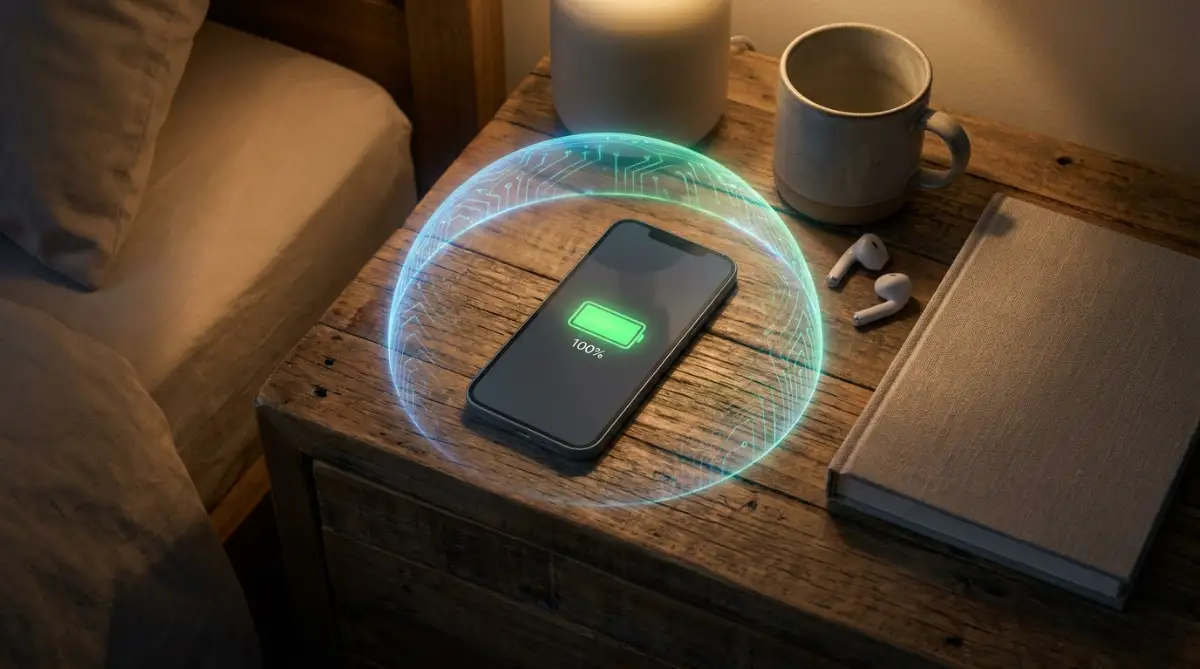
Throughout the night, your phone might drop down to ninety-nine percent because it is doing background tasks. When this happens, the charger will supply a tiny trickle of power to bump it back up to a hundred. This is known as "trickle charging."
Modern software handles trickle charging perfectly. Apple and Android even have optimized charging features now. These software settings learn your sleep schedule and pause the charge at eighty percent, only finishing the last twenty percent right before you wake up.
Expert Insight: You can safely leave your modern smartphone plugged in overnight while you sleep. The device is mathematically designed to handle this exact scenario without any catastrophic failure.
Myth 2: You Must Drain the Battery to Zero Before Recharging
This specific piece of advice actually does more harm than good to your modern smartphone. We already established that the "memory effect" is a thing of the past.
For modern lithium-ion batteries, draining them completely down to zero percent is incredibly stressful on the chemical materials inside. Imagine you are going for a run. Is it healthier to take short water breaks along the way, or to run until you completely collapse from severe dehydration?
Your battery prefers the short water breaks. Lithium-ion cells operate best when they are kept in a comfortable middle range. The absolute sweet spot for battery chemistry is keeping your phone between twenty percent and eighty percent.
Every time a lithium-ion battery drops to zero, the chemical reaction inside degrades slightly faster. If you make a habit of killing your phone completely every single day, you will noticeably shorten the overall lifespan of the battery.
Instead of waiting for the dreaded red low-battery warning, just plug your phone in whenever you have a chance. Charge it in the car for ten minutes. Plug it in at your desk for half an hour.
These short, random top-ups are exactly what lithium-ion batteries love. They thrive on partial charges.
Quick Q&A: Should I worry about the 80% rule every single day?
Honestly, no. While keeping your charge between 20% and 80% is great for long-term health on paper, obsessing over it totally defeats the purpose of having a mobile phone. My advice? Just turn on the "Optimized Battery Charging" setting if you use an iPhone or Samsung. Let the software handle the heavy lifting while you go out and live your life.
Want to clearly understand how your phone battery works on the inside and why draining it to zero is actually a terrible idea? Watch this short, helpful video below to see the real science in action, and then keep reading to discover the hidden enemy that is silently destroying your phone!
The Hidden Enemy You Should Actually Worry About
Since overcharging and partial charging are not the real villains here, what is actually killing your battery? The answer is incredibly simple, yet most people completely ignore it.
Heat is the absolute worst enemy of any electronic device. Lithium-ion batteries are highly sensitive to extreme temperature changes.
When a battery gets too hot, the chemical components inside start to break down at a much faster rate. Have you ever noticed your phone getting incredibly warm while playing a heavy 3D game and charging at the same time?
That excessive heat is doing permanent damage to the maximum capacity of your battery cell. Leaving your phone sitting on a car dashboard under direct sunlight is significantly worse than leaving it plugged in overnight.
If you use a very thick, heavy protective case on your phone, it might be trapping the heat during a charging session. If your phone feels hot to the touch while plugged in, take the case off to let it breathe.
For the longest time, I made the terrible mistake of charging my phone under my heavy pillow while playing games in bed. I eventually ruined a brand-new battery in just six months because I trapped all that extreme heat inside a thick, rubber case. Now, I always take my phone out of its cover and leave it on a cool, hard table while charging, and it has kept my battery health at one hundred percent for over a year.
Always try to charge your devices in a cool, shaded environment. Keeping the internal temperature down will do more for your battery health than any charging trick you read online.
Myth 3: Cheap Third-Party Chargers Will Destroy Your Phone
There is a huge difference between a cheap, fake charger and a high-quality third-party charger. Smartphone manufacturers love to tell you that you must buy their expensive official branded cables.
They claim that using anything else will instantly damage your device. This is mostly a clever marketing tactic designed to make you spend more money on their official accessories.
However, there is a very important truth hidden inside this myth. You do not need the official brand, but you do need a certified brand.
Companies like Anker, Belkin, and Ugreen make incredibly safe, high-quality chargers that often perform better than the ones that originally came in your phone box. These reputable third-party brands follow strict safety standards like USB Power Delivery (USB-PD) and Apple's MFi (Made for iPhone) certification.
The real danger comes from buying unbranded, two-dollar chargers from a random gas station or an unknown online seller. Those extremely cheap adapters cut corners on internal safety components.
They often lack the necessary resistors and fuses that protect your phone from sudden power surges. If a power spike happens in your house, a good charger will sacrifice itself to save your phone. A cheap, unbranded charger will pass that deadly voltage right into your phone's motherboard.
So, you do not need to buy the sixty-dollar official charger. You just need to buy a certified, well-reviewed charger from a trusted electronics brand.
Charger Labels: What to Actually Look For
- Apple Users: Always look for the "MFi Certified" logo on the packaging.
- Android Users: Look for "USB-PD" (Power Delivery) or "Quick Charge" support.
- Red Flags: If a charger is wrapped in cheap plastic, has spelling mistakes on the box, or feels weirdly lightweight in your hand, do not buy it. If it costs two dollars at a gas station, leave it right there.
A Quick Comparison: Old Tech vs Modern Reality
To make things incredibly clear, let us look at a simple breakdown of how things have changed over the years. Understanding this shift will help you let go of your old habits.
The Old Advice (NiMH Batteries)The Modern Reality (Li-ion Batteries)Drain to 0% before charging.Keep it between 20% and 80% for best health.Never leave plugged in overnight.Smart chips prevent overcharging automatically.Use only the official brand charger.Any certified, high-quality third-party brand is safe.Charge fully to 100% every time.Short, random partial charges are perfectly fine.
By simply looking at this comparison, you can see how our collective understanding of technology needs an upgrade.
Myth 4: Closing Background Apps Saves Tremendous Battery Life
This is an action almost everyone does mindlessly. You double-tap your home button or swipe up on your screen, and you start flicking away all your open apps.
People do this believing that apps sitting in the background are constantly draining power and eating up RAM. You might feel a strange sense of satisfaction having a perfectly clean recent apps screen.
Unfortunately, swiping apps away actually drains more battery than leaving them alone. Both iOS and Android operating systems are incredibly efficient at managing system memory.
When you switch away from an app, the operating system basically freezes it in place. It takes a tiny snapshot of where you left off and holds it in the background using almost zero power.
When you forcefully close an app by swiping it away, you are completely removing it from the system memory. Then, when you open that exact same app ten minutes later, your phone has to work twice as hard to load everything from scratch.
Loading an app from a cold start uses significantly more CPU power and battery juice than simply waking it up from a frozen state. The only time you should ever force-close an app is if the application has completely frozen or stopped working properly.
Let your phone's operating system do its job. It is much smarter at managing background tasks than any human user could ever be.
The Truth About Fast Charging Technology
We live in an era where phones can charge at ridiculous speeds. We went from basic five-watt chargers to massive adapters pushing over one hundred watts of power.
Naturally, this massive increase in speed has made people very suspicious. The logic seems to make sense: pushing power that quickly must surely damage the battery over time.
Once again, modern engineering has already solved this problem. Fast charging works in two distinct phases.
During the first phase, your battery is mostly empty. The charger can push a massive amount of power into the phone without causing too much stress. This is why companies advertise things like "zero to fifty percent in just twenty minutes."
However, once the battery hits roughly seventy or eighty percent, the second phase begins. The phone's internal chip tells the charger to slow down dramatically.
The last twenty percent takes a much longer time to fill up. This intentional slowdown prevents the battery from overheating and taking permanent damage.
Furthermore, many modern smartphones actually use a dual-cell battery design. Instead of pushing one hundred watts into a single battery, the phone splits the power into two separate batteries inside the phone simultaneously.
This means each individual battery cell is only receiving fifty watts, which is incredibly safe and manageable. You can use your fast charger without losing sleep over it.
Smart Charging Habits for Maximum Battery Lifespan
We have completely shattered the old myths about overcharging and leaving your device plugged in. Now, we need to look at exactly how professionals maintain their expensive tech gear for years without spending a dime on replacements.
You do not need to sit and obsessively watch your battery percentage all day. Instead, you just need to implement a few simple, highly effective habits into your daily routine.
Once you set these habits up, they work completely in the background. You will naturally start getting significantly better performance out of your everyday devices.
The Magic of the Fifty Percent Storage Rule
Have you ever found an old smartphone sitting in a drawer, only to realize it will never turn on again? This happens because the device was stored incorrectly for a long period of time.
If you plan to put a phone, tablet, or laptop away in a closet for a few months, never store it at a hundred percent charge. Similarly, you should absolutely never store it at zero percent.
When a lithium-ion battery sits at zero percent for weeks, it falls into what experts call a deep discharge state. The chemical structure literally collapses, and the battery loses its ability to hold any electrical current forever.
On the flip side, keeping a device at max capacity in a warm drawer puts immense physical stress on the internal cells. The absolute safest method for long-term storage is keeping the battery right around fifty percent.
Power down the device completely once it hits that middle sweet spot. If you want a deep dive into the chemical science behind this, checking out independent studies on prolonging lithium-based batteries can give you excellent technical insights.
The Hidden Truth About Wireless Charging Pads
Wireless charging feels like absolute magic. You simply drop your phone onto a sleek pad on your nightstand, and it instantly starts soaking up power.
However, convenience often comes with a hidden cost. Wireless charging is significantly less efficient than using a standard cable.
Because the power has to jump through the air using magnetic coils, a lot of that electricity is lost in the process. This lost energy immediately turns into excessive heat.
If you use a cheap wireless charger, your phone might get uncomfortably warm during the entire charging cycle. As we discussed earlier, heat is the ultimate silent killer of modern technology.
If you want to use wireless chargers, invest in high-quality models that have built-in cooling fans. Otherwise, sticking to a good old-fashioned cable is actually much healthier for your hardware in the long run.
Understanding True Battery Capacity vs. Current Charge
Many people confuse their current battery percentage with their overall battery health. The number at the top of your screen only tells you how much juice is left for today.
Over time, the maximum amount of juice your battery can hold naturally shrinks. This is an unavoidable fact of physics, completely normal for any rechargeable device.
If you go into your smartphone settings, you can usually find a section labeled "Battery Health" or "Maximum Capacity". When your phone is brand new, this number sits at exactly one hundred percent.
After about two years of normal use, that number might drop to eighty-five percent. This means even when your screen says your phone is fully charged, it is actually holding fifteen percent less power than the day you bought it.
You should only start thinking about replacing the physical battery when that overall health number drops below eighty percent. Until then, your device is performing exactly as intended.
Taking care of your physical hardware is just one part of device safety. Just like the hidden dangers of browsing without antivirus protection can destroy your internal software data, ignoring physical battery health can destroy your hardware. Both require equal attention.

Dangerous Everyday Habits Slowly Killing Your Phone
Knowing what to do is important, but knowing what to avoid is what actually saves your hardware. Even the smartest tech users often fall into a few terrible traps out of pure convenience.
When you repeat these harmful mistakes daily, you force your battery to age three times faster than normal. Let us look closely at the worst offenders so you can stop doing them immediately.
The Double-Edged Sword of Heavy Gaming
Picture this highly common scenario. You are deeply invested in a heavy, high-graphics mobile game, but your battery is dropping fast.
To keep the fun going, you plug a fast charger into the phone and continue playing at maximum screen brightness. This is arguably the worst physical torture you can put a modern smartphone through.
The processor is generating massive amounts of heat to render the game graphics. At the exact same time, the battery is generating extreme heat from the fast electrical input.
This creates a terrifying heat bubble directly against the back of your phone screen. Prolonged exposure to this kind of dual-source heat will literally cook the internal battery cells in a matter of weeks.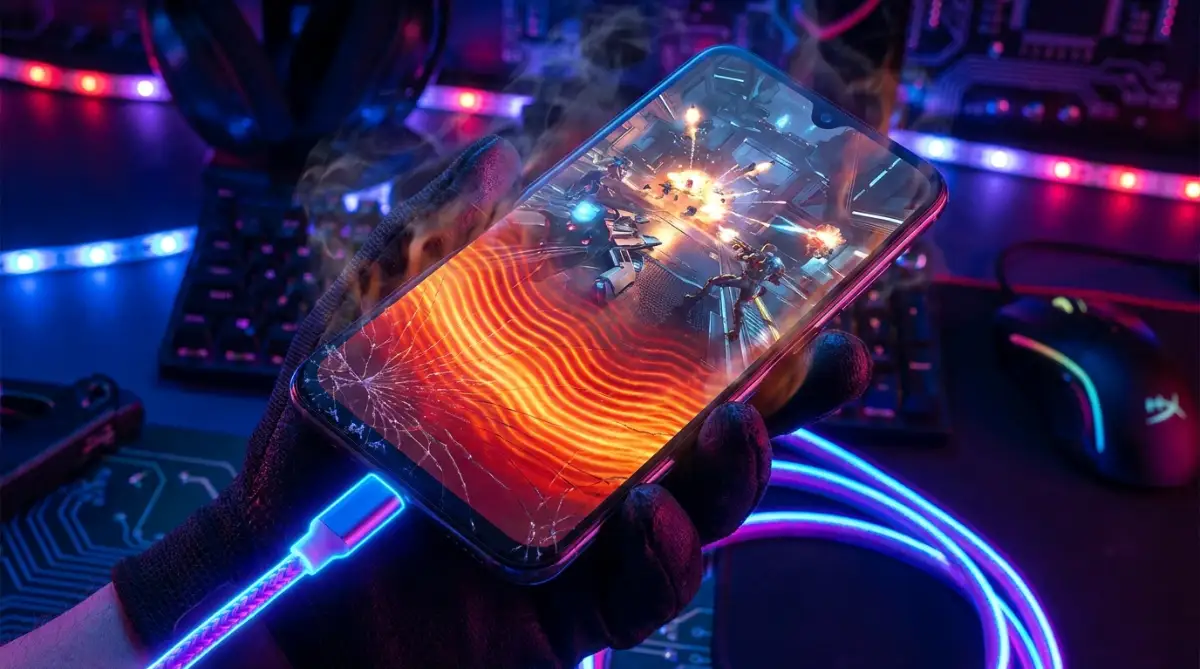
If you absolutely must play a heavy game or edit 4K video, unplug the device first. Give the internal hardware a chance to cool down naturally.
The Nightmare of Extreme Weather Conditions
We previously talked about the dangers of hot cars, but extreme cold is equally terrifying for battery chemistry. If you live in a snowy area, you might have noticed your phone shutting off unexpectedly in the winter.
When lithium-ion fluid freezes, the chemical reaction slows down to a complete crawl. The battery suddenly cannot push enough voltage to keep the screen and processor running.
The phone panics and immediately shuts itself down to prevent system corruption. While cold weather damage is mostly temporary, constantly exposing the device to freezing winds is highly irresponsible.
Keep your phone in an inside jacket pocket, close to your natural body heat, when walking outside in winter. A little body warmth goes a very long way in preserving voltage stability.
Trusting Fake Battery Saver Applications
If you open the app store right now, you will see thousands of applications promising to double your battery life. These apps feature fancy graphics, big booster buttons, and promises of magical optimization.
I need to be very direct with you here. Almost all of these third-party battery saver apps are completely useless scams.
These apps constantly run in the background, aggressively forcing other background apps to close. As we learned earlier, constantly restarting closed apps actually drains more power than leaving them alone.
Your phone's built-in operating system is already highly optimized by some of the smartest engineers in the world. Delete those spammy booster apps immediately and let the official software do its job. Government technology guides also emphasize the importance of securing portable consumer devices by removing unnecessary and intrusive third-party software.
Your Next Steps for a Stress-Free Digital Life
We have covered a massive amount of technical ground today, breaking down everything from memory effects to chemical degradation. The main takeaway is actually highly positive and incredibly simple.
You no longer need to be a prisoner to your charging cable. The anxiety you feel when your phone hits twenty percent is largely based on outdated information.
Modern smartphones are brilliant pieces of engineering designed to protect themselves from basic human errors. Your device wants to work perfectly for you, as long as you do not intentionally torture it with extreme heat or heavy zero-percent drops.
An Easy Blueprint for Tomorrow
You do not have to memorize every single scientific fact we discussed. Instead, just think of your phone battery like a normal human being.
It does not like extreme blazing heat, it hates freezing temperatures, and it prefers eating small snacks throughout the day rather than starving. Every single smartphone model has slightly different thermal limits and management systems.
Much like learning how to identify your exact skin type at home so you can buy the right products, understanding your specific phone’s physical habits will dictate how you treat it. Pay attention to when it gets warm, and adjust your routine accordingly.
Here is your final action checklist to start using right now:
- Stop worrying about overnight charging; the internal chip has you covered.
- Plug your phone in whenever you have a few minutes; embrace short top-ups.
- Take thick cases off if the device feels uncomfortably warm while charging.
- Never let your battery drop to zero percent on purpose.
- Invest in high-quality, certified charging cables from trusted electronics brands.
Technology is meant to make our daily lives easier, not more stressful. By letting go of these old charging myths, you free up mental energy for the things that actually matter.
Treat your devices with basic respect, keep them comfortably cool, and they will easily serve you well for years to come. Now, go unplug that phone from the heavy gaming session and let it breathe for a while.
Once I finally stopped obsessing over hitting that perfect one hundred percent, my daily phone anxiety completely disappeared. You already have the right knowledge now, so just trust your smart device to do its job and handle the power flow. Take a deep breath, plug it in whenever you have a few minutes, and start enjoying your digital life without the constant fear of a dead screen!
Disclaimer: The information provided in this blog post is strictly for educational and informational purposes. Device specifications, battery chemistry, and software management systems vary greatly between different manufacturers. Always refer to your specific smartphone manufacturer’s official user manual and safety guidelines regarding battery care and hardware maintenance.