
The Morning Everything Went Dark: A Website Owner's Worst Nightmare
I still get cold sweats just thinking about it. I typed my own website address into my browser, expecting to see the homepage I spent months building. Instead? A sketchy, ugly page full of weird ads stared back at me. Because I missed a single automated email, my entire online business vanished overnight. If you own a website, this is your biggest hidden threat—and I am going to show you exactly how to stop it from happening to you.
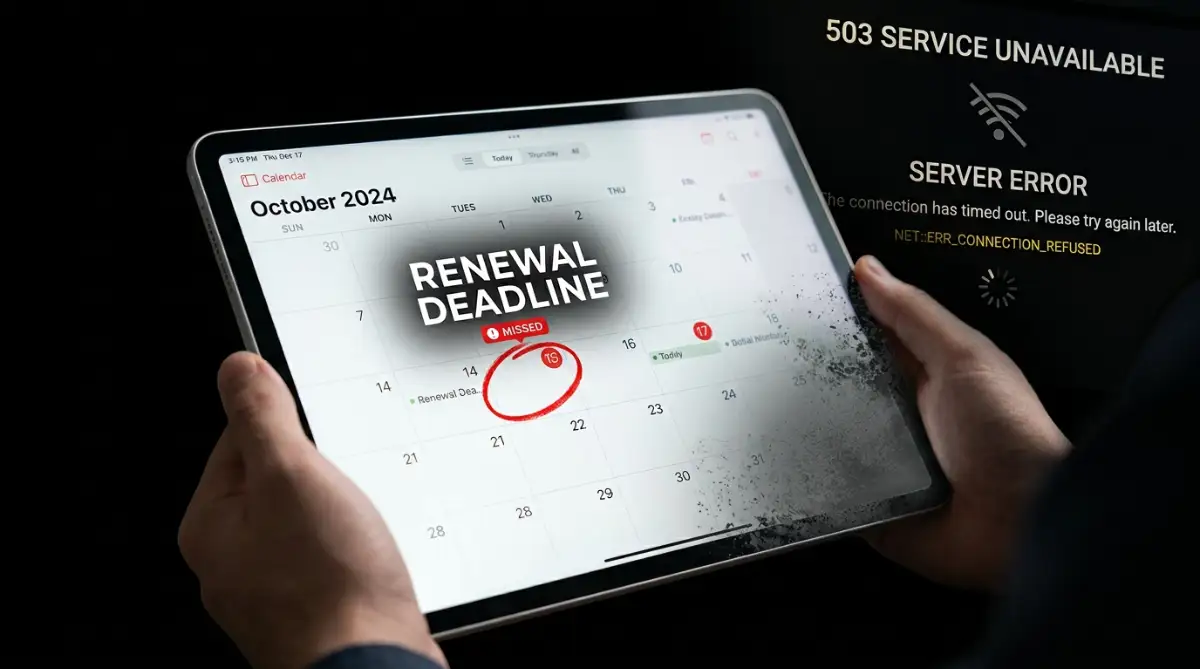
Imagine waking up, pouring a hot cup of coffee, and opening your laptop to check your morning emails. You type in your website address, expecting to see your beautiful homepage. Instead, you stare at a blank, ugly page filled with random advertisements.
You quickly try to log into your custom business email to contact your team. The email simply refuses to load, bouncing back an error message. Panic starts to set in as you realize your entire digital existence has vanished overnight.
Your domain name is exactly like leasing a prime piece of real estate in the center of a busy city. You do not own the land forever; you are merely renting the right to use that specific address. If you stop paying the rent, the landlord locks the doors without hesitation.
Small business owners often feel a deep sense of embarrassment when clients cannot reach them. The trust you worked so hard to build instantly cracks when visitors see a sketchy parking page instead of your professional site. This single oversight creates a massive ripple effect that damages your mental peace and your brand's reputation.
 Your 60-Second Domain Safety Checklist
- Always turn on auto-renewal, but never blindly trust the machine.
- Never use your website's custom email to register the domain (use a backup Gmail instead).
- Pay for 3 to 5 years in advance so you can actually sleep well at night.
- Turn on the "registrar lock" in your settings to stop hackers from stealing your web address.
What Actually Happens Behind the Scenes When a Domain Expires
Many people mistakenly believe that if they miss their payment by one day, their website is permanently gone. Thankfully, the internet was built with some safety nets in place. However, understanding how these safety nets work is the only way to save your site.
When the clock strikes midnight on your expiration date, a very specific sequence of automated events begins. Your domain registrar immediately changes your domain's DNS status. This means your web address no longer points to your web hosting server.
The Immediate Blackout Effect
The very first thing that breaks is your website visibility. Anyone trying to visit your site will see a default "parked" page created by your registrar. This page often contains cheap ads, making your brand look highly unprofessional to anyone who stops by.
But the blackout goes much deeper than just your website front page. Any custom email addresses associated with that domain instantly stop working. If a client tries to send an important document to your business email, it will bounce right back to them.
Real-Talk Q&A: Does Google punish expired domains?
Q: If my site is down for just two days, will I lose my Google rankings?
A: Honestly, yes. Google hates sending people to dead links. If their bots crawl your site while it is parked, they might drop your pages from search results completely. Getting that hard-earned traffic back can take months of extra work!
You lose all communication channels tied to that specific address instantly. You cannot receive password reset emails, customer inquiries, or automated system alerts. You are completely cut off from the digital infrastructure you built.
The Hidden Damage to Your Search Engine Rankings
Search engines like Google are constantly crawling the internet to organize information. When their automated bots visit your site and find a parked page instead of your helpful content, they get confused. If your site stays down for just a few days, search engines will start dropping your pages from their index.
Think of it like a librarian finding a completely blank book on the shelf. The librarian will quickly remove that empty book to make room for useful ones. Even if you manage to get your domain back a week later, your hard-earned search rankings might take months to recover.
Expert Insight: Search engines prioritize user experience above everything else. Sending searchers to a dead or expired domain is a terrible user experience. This is exactly why your organic traffic plummets almost instantly during a domain expiration event.
The Truth About Grace Periods
There is a lot of confusion regarding how much time you actually have to fix this mistake. Most top-level domains (like .com or .net) offer a standard safety window. This is known in the industry as the renewal grace period.
During this grace period, you can usually log into your account and pay the normal renewal fee to get everything back online. This period typically lasts between 30 to 45 days, depending strictly on your specific registrar. However, relying on this grace period is a very dangerous game to play.
Myth vs. Reality:
- The Myth: My registrar will hold my domain for me indefinitely because I have been a loyal customer for years.
- The Reality: Domain registrars use completely automated systems. The machine does not care about your loyalty; it only follows the programmed timeline.
The Scary Mechanics of Domain Hijacking and Drop Catching
If the term "drop catching" sounds completely foreign to you, click play on this quick one-minute audio explainer. It perfectly summarizes exactly how these automated systems work to grab your domain the second it hits the open market.
If you fail to renew your address during the initial grace period, things take a very dark turn. Your domain enters a phase called the Redemption Grace Period. At this stage, your registrar essentially prepares to delete the domain from their system entirely.
To get your domain back during the redemption phase, you will have to pay a massive penalty fee. These fees can sometimes be hundreds of dollars on top of the regular renewal price. If you refuse or fail to pay this penalty, your domain goes back to the public market.
The True Cost of Forgetting (A Quick Breakdown)
- Normal Renewal: Usually around $15 to $20 a year.
- Late Fee (Grace Period): Often an extra $10 to $30.
- Redemption Penalty (The Danger Zone): Prepare to pay anywhere from $80 to $250 just to get your name back.
- Ransom by a Squatter: Could be $1,000, $5,000, or completely gone forever.
This is exactly where the true danger lies. There is an entire underground industry dedicated to snapping up expired domains. These people are known as domain squatters or drop catchers, and they use automated software to track valuable websites.
Why Competitors and Squatters Want Your Name
You might wonder why a total stranger would want your specific website address. The answer comes down to the invisible value you have built over time. Your domain has an established history, existing backlinks from other websites, and residual traffic from people who bookmarked it.
When a squatter buys your expired domain, they inherit all of that hard work for the price of a standard registration fee. They can easily set up a fake website to trick your old customers. Sometimes, they will place heavily keyword-optimized ads on the site to make passive income from your leftover visitors.
In more aggressive scenarios, your direct business competitors might buy your old domain name. They can seamlessly redirect all of your previous traffic straight to their own website. Your loss instantly becomes their permanent gain.
The Silent Ransom Scenario
One of the most frustrating things that can happen is the ransom scenario. A drop catcher successfully registers your forgotten domain the exact second it becomes available to the public. The very next day, they send an email to your personal address offering to sell it back to you.
Instead of the normal fifteen-dollar fee, they might demand thousands of dollars. They know you are desperate to get your brand identity back. Because they legally purchased the domain on the open market, there is very little you can do to fight them.
You are forced into a terrible position. You either pay an outrageous ransom to a stranger, or you completely rebrand your entire business from scratch. Rebranding means printing new business cards, updating social media, and trying to explain the confusing change to your loyal audience.
Grace Period vs. Redemption Period Breakdown
Feature Auto-Renewal Grace Period Redemption Grace Period
Average Duration 0 to 45 Days (Varies) 30 Days (Strict)
Website Status Parked Page / Down Completely Deleted / Pending
Cost to Recover Standard Renewal Fee Standard Fee + Heavy Penalty
Risk of Losing It Very Low Extremely High
Smart Defensive Moves to Secure Your Web Address Today
Now that you understand the massive risks involved, you need to take immediate action to protect yourself. You should never rely on your own memory to handle something this important. Human error is the number one reason websites go dark.
The most effective way to prevent this nightmare is to remove yourself from the equation entirely. You need to set up overlapping safety nets that work automatically in the background. By taking a few simple steps today, you can ensure your digital footprint remains safe for years to come.
Lock Down Auto-Renewal Safely
Almost every single domain provider offers an auto-renewal feature in their dashboard. You should immediately log into your account and ensure this toggle is switched to the "On" position. This allows the system to automatically charge your card a few days before the actual deadline.
However, turning on auto-renewal is only the first half of the strategy. An automated system is completely useless if the payment method attached to it fails. This is exactly where the majority of automated renewals quietly break down.
Managing Your Payment Gateways Proactively
Think about how often you receive a new debit or credit card from your bank. Cards expire, get lost, or get replaced due to suspected fraud all the time. When you activate a new card, you rarely remember to update your domain registrar account.
When the auto-renewal system tries to charge an old, deactivated card, the payment bounces. The system will usually send an automated warning email to notify you of the failure. If that warning email goes to your spam folder, your domain will expire without you ever knowing.
To prevent this, make it a habit to log into your registrar account every single time you get a new bank card. Update your billing details immediately before you forget. Some advanced platforms even allow you to add a secondary backup credit card just in case the primary one fails.
Setting Up Dual Admin Notifications
Another major point of failure happens with the admin email address on file. Many people use their custom business email (like admin@yourwebsite.com) to register their domain. As we discussed earlier, if the domain expires, that specific email address immediately stops working.
If the registrar tries to send you a final warning about the failed payment, it will bounce. You create a terrible loop where the system cannot warn you that the system is broken. This is a very common trap for beginners.
Always use a permanent, third-party email address for your domain registration account. A standard Gmail or Yahoo account that you check regularly is perfect for this task. You should also add a secondary backup email or a trusted partner's email to the notification settings to ensure someone always gets the alert.
My most painful mistake was using my custom website email (like hello@mywebsite.com) to create my domain account. When my domain expired, that custom email instantly stopped working, meaning I could not receive the final warning messages to save it! Now, I only use a separate, everyday Gmail account for my domain registration so I am never locked out of my own security alerts.
Advanced Registration Strategies to Outsmart the System
Now that your primary defense is set up, it is time to look at long-term protection. The basic auto-renewal feature is a great start, but true digital security requires a more aggressive approach. You need strategies that physically prevent third parties from interfering with your property.
Professional website managers rarely worry about expiration dates because they buy time in bulk. When you first launch your blog, you might be tempted to just pay for one single year to save some money upfront. However, this minimalist approach leaves you incredibly vulnerable to small mistakes.
The smartest move you can make today is to log in and renew your address for the absolute maximum time allowed. For most standard extensions like .com or .net, you can easily pay for up to ten years in advance. By securing a massive block of time, you completely eliminate the annual stress of checking expiration deadlines.
This strategy also acts as a powerful signal to search engines. Platforms like Google actually look at domain registration length as a tiny indicator of website legitimacy. A business that secures its digital address for a decade shows long-term commitment, unlike a spammy site registered for just a few months.
The Power of Registrar Locking
Another incredibly powerful tool at your disposal is something called a domain lock or transfer lock. Think of this feature as a heavy digital padlock attached to your website property deed. When this lock is actively engaged, no one can move your domain to another company without your explicit permission.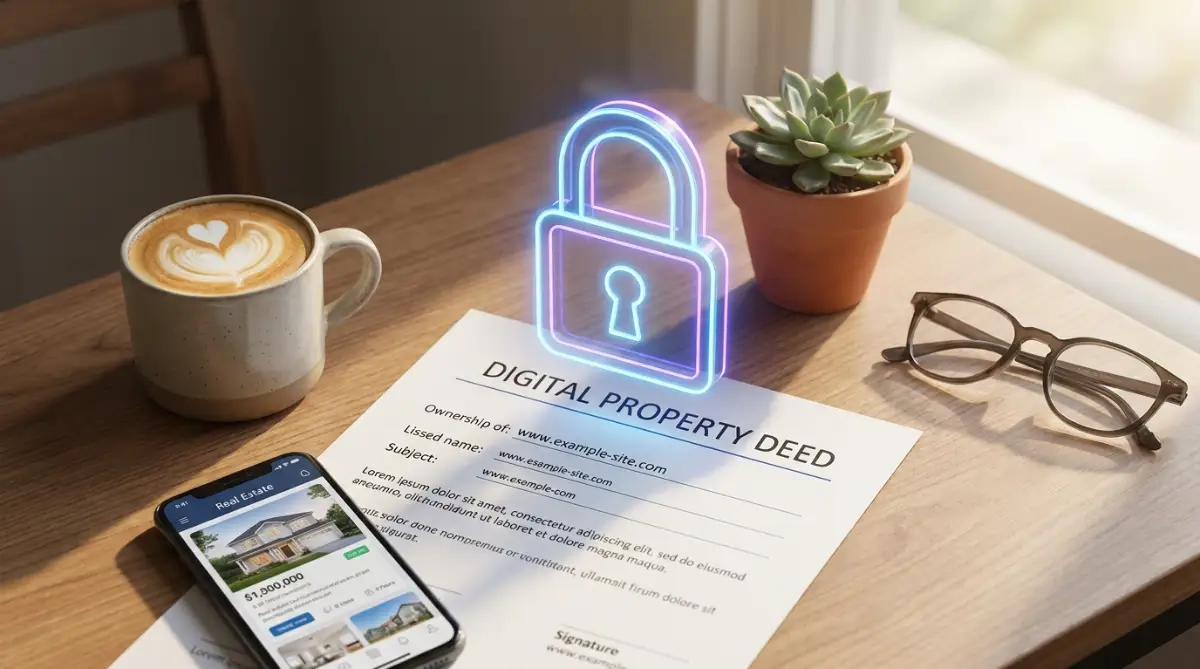
This lock prevents malicious individuals from secretly transferring your web address away from you. Even if a hacker manages to steal your account password, they cannot immediately steal the domain. They would first have to disable the lock, which usually triggers massive security alerts to your phone and secondary email.
You should double-check that this specific lock is turned on right now. Simply log into your dashboard, find the security settings, and ensure the toggle clearly states "Locked". This one simple action takes less than a minute but provides an enormous amount of peace of mind.
Why Private Registration Can Backfire
Almost every domain company heavily promotes privacy protection packages during checkout. This service hides your personal name and home address from the public WHOIS database. While protecting your physical privacy is incredibly important, it can sometimes complicate the recovery process.
If your domain accidentally slips into the redemption phase, you will have to prove you are the original owner to get it back. When privacy protection is active, the public record shows the privacy company's name instead of yours. This discrepancy can create a massive headache during a high-stress recovery situation.
Expert Action Plan: You do not have to abandon privacy protection entirely. Just ensure you keep incredibly detailed offline records of your original purchase receipts. If you ever have to fight for your domain, these digital receipts will prove you are the rightful owner hiding behind the privacy shield.
For a deeper understanding of digital privacy laws and data protection standards, you might want to review the official guidelines provided by the
 The Catastrophic Mistakes That Break Successful Websites
Even with the best intentions, smart people frequently fall into invisible traps when managing their online assets. These errors often happen because website owners simply do not understand the strict rules governing digital property. A small misunderstanding today can easily destroy a massive income stream tomorrow.
One of the most devastating errors is assuming your hosting provider and your domain registrar are exactly the same thing. Many beginners buy their hosting package and their domain from the exact same company during setup. Because everything is bundled together, they mistakenly believe paying the main hosting bill covers everything automatically.
The Hidden Billing Disconnect
Sometimes, the automated billing system for the web server operates on a completely different schedule than the domain registry. You might successfully pay your monthly hosting bill without realizing the annual domain fee failed to process. You happily assume everything is perfectly fine because your main receipt says "Paid."
Suddenly, your website crashes hard. You angrily call your hosting support team, demanding to know why the server is down. They calmly explain that your server is working perfectly fine, but your domain registration expired three days ago.
This specific scenario creates total chaos for online businesses. To avoid this entirely, always keep your domain and your hosting separated in your mind. Treat them as two highly independent bills that require separate attention, even if they come from the same company.
Similar to how neglecting regular checkups can cause major physical issues, ignoring basic online security can lead to massive digital problems. If you are also worried about computer safety, you might want to learn about the hidden dangers of browsing without antivirus protection to keep your local machine safe.
The Trap of Employee Managed Accounts
As small businesses grow, owners often hand off technical tasks to a web designer or an IT employee. The designer kindly offers to register the domain on behalf of the company using their own personal agency account. This sounds like a great, stress-free solution at first.
However, this creates a massive single point of failure. If that specific employee quits, gets fired, or simply loses access to their email, your entire company is held hostage. You have absolutely no legal control over the website because your name is nowhere on the official registration documents.
Real-Life Scenario: A popular local restaurant hired a freelancer to build their site. Three years later, the domain expired. The restaurant owner tried to renew it, but the registrar refused to speak with them because the account belonged to the freelancer. The freelancer had moved to another country and stopped checking that email address, causing the restaurant to lose their brand permanently.
Always demand that the primary registration account is created using your business details. You can easily grant temporary "delegate access" to your web designer so they can make technical changes. Never surrender the master keys to your digital property.
Ignoring the Warning Signs of Phishing Scams
When your website becomes popular, you will inevitably become a target for highly sophisticated scammers. A very common trick involves sending fake renewal notices in the mail or via email. These fake invoices look incredibly professional and often feature stolen logos from real registrars.
The scammer hopes you will panic when you see the word "EXPIRED" and quickly pay the invoice without thinking. If you pay them, you do not actually renew your domain. Instead, you accidentally authorize a complete transfer of your property to a malicious third-party company in a foreign country.
If you receive a strange, urgent email demanding payment for your website, stop and breathe. Never click a direct link inside a suspicious email. Always open a completely new browser tab, manually type in your real registrar's address, and log in directly to check your true status.
Always verify the source of any urgent digital communication. The Cybersecurity & Infrastructure Security Agency (CISA) offers excellent resources on how to spot deceptive web tactics and spoofed emails.
Securing Your Digital Future Starting Today
Losing control of your web address is a highly emotional and financially painful experience that no one should ever face. The internet is an amazing place to build a business, but it operates on very strict, unforgiving automated rules. You cannot charm or negotiate with a server script once the expiration deadline passes.
However, you now hold the exact blueprint needed to completely bulletproof your online presence. By taking a few proactive steps, you can instantly eliminate the fear of waking up to a dark website. You are no longer relying on luck; you are building a resilient digital fortress.
Remember, true security is about creating reliable, overlapping systems that work when you forget. A simple calendar reminder might fail, but a locked domain with ten years of prepaid registration will not. You have worked far too hard building your audience to let a small administrative oversight destroy it all.
Your Immediate 10-Minute Action Plan
Do not put this off until next week. As soon as you finish reading this sentence, take ten minutes to secure your property.
- Check Your Primary Account: Log directly into your registrar and verify that your payment method is fully up to date.
- Activate Maximum Security: Ensure the transfer lock feature is switched on to block unauthorized moves.
- Update Contact Info: Change the main admin email to a permanent address that is not tied to your specific domain name.
- Extend Your Timeline: If your budget allows, add at least three to five years to your current registration period right now.
By completing these simple steps today, you guarantee that your digital voice remains strong and visible for years to come. Your online identity is incredibly valuable; treat it with the respect and protection it truly deserves.
Taking a few minutes to lock down your digital property is one of the smartest things you can do for your peace of mind. You have worked way too hard building your website to let a silly technical mistake take it away from you. Go ahead and log into your account right now, turn on that auto-renew feature, and enjoy the amazing feeling of knowing your online business is completely safe!
Disclaimer: The information provided in this article is for educational purposes only. Domain registration policies and recovery procedures vary significantly between different top-level domains (TLDs) and individual registrars. Always consult your specific service provider's official documentation for exact timelines and legal terms of service.