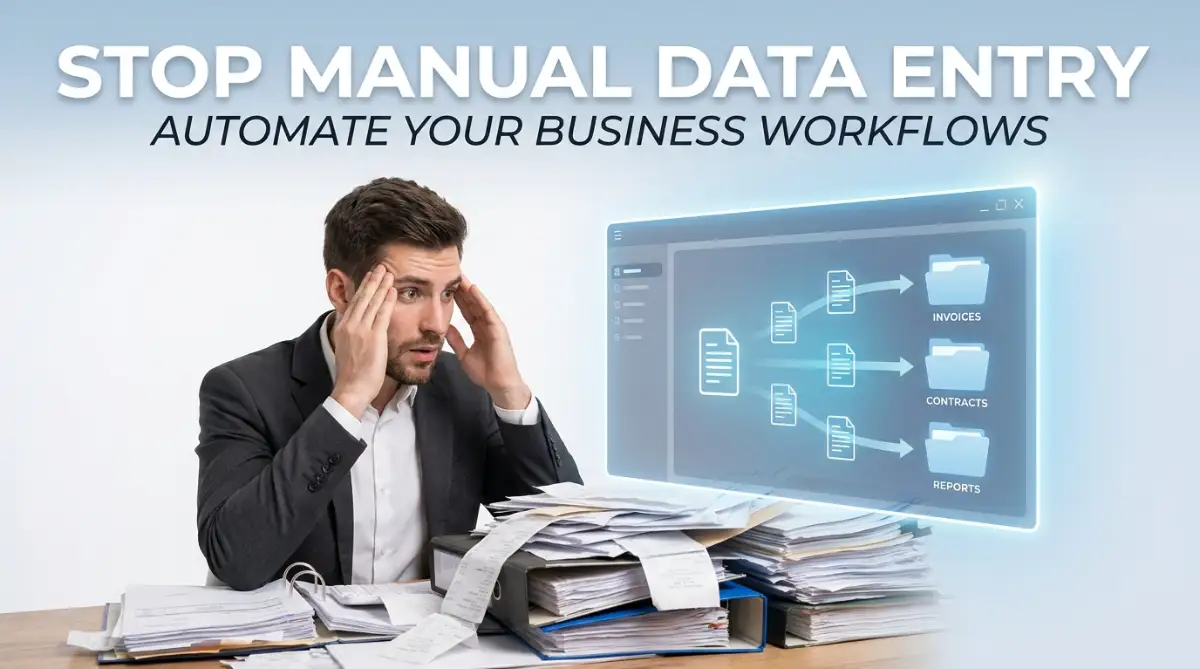
My Breaking Point With Endless Spreadsheets
Let's be honest: if you are spending more than fifteen minutes a day copying and pasting data between your business apps, you are actively losing money. I used to think doing everything manually meant I had total "control" over my business. But after realizing a single misplaced decimal point almost cost me a high-paying client, I knew it was time to fire myself from the data entry department.
The worst part is the constant fear of making a silly human error. When you manually copy hundreds of numbers, your brain naturally gets tired and starts skipping details. You live with the anxiety that one misplaced zero could cost your company thousands of dollars.
Smart, passionate people should never have to work like mindless copy-paste machines. We are essentially using human brains to do a job that a simple piece of technology can do in two seconds. You are acting as a human bridge between two pieces of software that refuse to talk to each other.
Instead of just talking about the theory, here is a quick breakdown of the exact tools you can use today to stop acting like a human bridge:
- Zapier: The absolute best choice if you are a beginner. It connects over 6,000 different apps, but the paid plans can get a bit pricey.
- Make (formerly Integromat): Perfect if you are a visual learner. It is much cheaper than Zapier and lets you see your workflow as a mind map.
- Pabbly Connect: A fantastic option if you hate monthly subscriptions, as they frequently offer a lifetime one-time payment deal.
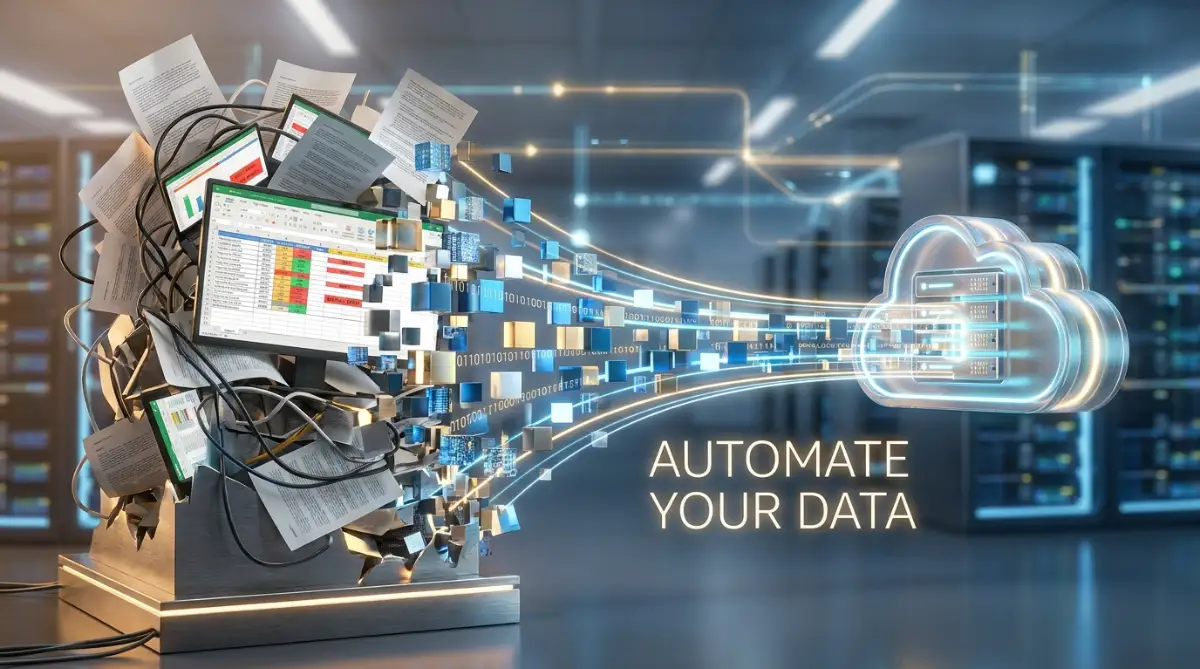
🚀 Quick Win Summary
- OCR is your new best friend: Turn messy paper receipts into editable digital text automatically without retyping.
- Connect your digital islands: Use simple triggers and actions to make your favorite apps share data instantly.
- Kill the 'fat finger' error: Let software handle numbers so you never mess up a client's billing details again.
- Keep it simple: Avoid complex setups by building straight, step-by-step paths that anyone can understand.
How Smart Systems Replace Boring Repetitive Tasks
You do not need to hire an expensive developer or understand complex coding to fix this massive problem. Today, everyday technology is incredibly smart and surprisingly easy to use for regular people. By understanding a few basic concepts, you can build an invisible digital assistant that works for you silently in the background.
Let me break down exactly how this technology functions in plain English. Once you understand the logic behind these tools, you will never want to manually type an invoice again.
The Magic of Optical Character Recognition (OCR)
The biggest headache in data entry is dealing with physical paper or flat image files like PDFs. In the past, if a client sent you a picture of a receipt, your only option was to look at the picture and type the numbers out by hand. Now, we have a brilliant technology called Optical Character Recognition, or OCR for short.
Think of OCR as a highly intelligent digital eye. When you feed a PDF invoice into an OCR software, it scans the document and actually understands the shapes of the letters and numbers. It reads the document exactly like a human would read a menu at a restaurant.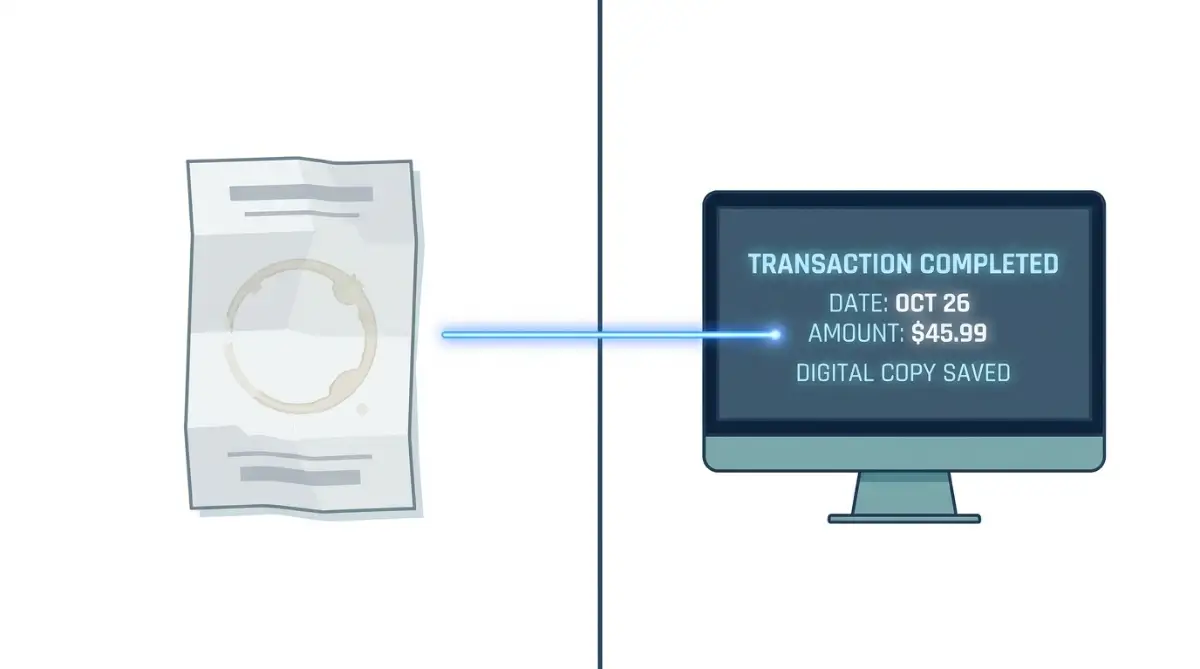
Once it reads the visual shapes, it instantly converts them into editable, digital text. This means you can take a messy scan of a vendor contract, run it through the tool, and instantly get a perfectly formatted word document. You can then copy, paste, or organize that text without typing a single letter yourself.
Modern OCR tools are even smart enough to recognize specific categories. They know that a number next to the word "Total" is a price, and a set of numbers with dashes is a phone number. This level of understanding completely removes the need for human eyes to verify every single field.
Building Bridges Between Your Software Islands
Another massive cause of manual data entry is using different programs that do not share information. You might have your customer emails in one program, their phone numbers in a separate spreadsheet, and their payment history in a third app. Your business essentially operates on isolated digital islands.
Because these islands are disconnected, you are forced to be the human boat carrying information back and forth. You copy a name from an email, paddle over to your spreadsheet island, and paste it there. This is a massive waste of your personal energy.
Automation software acts like a massive bridge connecting all of your islands together. These tools use something called an API, which is essentially a digital language that allows different apps to talk to each other.
When a new customer fills out a contact form on your website, the bridge instantly grabs that information. It automatically sends the name to your email list and places the phone number directly into your customer database. You literally do nothing but watch the data organize itself magically.
My biggest mistake was trying to automate my entire accounting system on a random Tuesday afternoon. I ended up sending duplicate invoices to three major clients because I did not test the system properly first. Start by automating just one tiny task, like saving email attachments to a specific folder, before moving on to the heavy lifting.
Visualizing the Workflow Connection
Watch exactly how this simple trigger completely removes the need to manually copy and paste your client details ever again:
Designing Your First "Trigger and Action" Rule
To make these bridges work, you have to teach the software the rules of your business. This is done using a very simple concept called "Trigger and Action". You can think of this as basic cause and effect.
The "Trigger" is the specific event that starts the entire process. For example, a trigger could be receiving an email with the subject line "New Order".
The "Action" is what you want the software to do automatically when the trigger happens. The action could be downloading the email attachment and saving it to a specific folder on your computer.
You simply tell the software: "When this happens, do that." You do not write any complex scripts; you usually just select these options from a simple drop-down menu on your screen.
Once you set this rule, the software remembers it forever. It will patiently wait for that specific email subject line 24 hours a day, 7 days a week. It never gets tired, it never takes a coffee break, and it never forgets the rule.
Eliminating the "Fat Finger" Financial Errors
Let us talk about the true financial cost of manual typing errors. In the accounting world, they call this the "fat finger" problem. This happens when your finger slips on the keyboard and hits the wrong number by accident.
A fat finger mistake might seem small, but it can completely destroy your business reputation. Imagine manually typing a client's shipping address and getting one single digit wrong in the zip code. The package gets lost, the client gets angry, and you have to pay for a replacement item.
When you use automation software to move data from a checkout page directly to your shipping label printer, errors drop to absolute zero. The machine copies the exact data the customer provided.
This creates a bulletproof system of accuracy. You can finally stop double-checking your own work because you know the digital transfer is flawless every single time.
Reclaiming Your Cognitive Bandwidth
Every time you stop a creative task to do five minutes of data entry, your brain suffers. Psychologists call this a "context switch", and it is terrible for your mental focus.
Your brain uses a huge amount of energy to shift gears from high-level strategic thinking to low-level robotic typing. Even if the typing only takes a few minutes, it can take your brain up to twenty minutes to regain its original deep focus.
By pushing all these tiny, annoying tasks onto a software program, you protect your cognitive bandwidth. You keep your brain in a state of flow, which is where your best business ideas actually come from.
You will notice a massive difference in your daily energy levels. You will end your workday feeling accomplished and clear-headed, rather than frustrated and drained.
Real-Life Scenario: The Client Intake Nightmare
Let me share a very common scenario that almost every small service business faces. Imagine you run a consulting agency and you get a new client.
Traditionally, you send them a welcome email and ask them to fill out a PDF document with their details. They print it, write on it with a pen, scan it, and email it back to you. Then, you sit at your desk and manually type all their handwritten answers into your main system.
This entire process is painfully slow for the client and incredibly frustrating for you. It sets a terrible first impression and delays the actual work you are being paid to do.
Now, imagine the automated version of this exact same scenario. You send the client a link to a clean, digital web form.
They type their answers directly into their phone or computer. The moment they hit submit, your automation software grabs their answers. It creates a new folder for them, adds their email to your newsletter, and sends them a calendar link to book their first meeting.
You literally did not lift a single finger, yet your new client experienced a perfectly smooth, professional onboarding process. This is the true power of removing yourself from the data entry equation.
Advanced Strategies to Keep Your Automated Systems Running Smoothly
Once you get a taste of how amazing it feels to let software do the heavy lifting, you will probably want to automate everything in your business. But true efficiency is not just about connecting a few apps together; it is about building a system that is incredibly stable and requires almost zero maintenance. You want a setup that quietly works in the background while you focus entirely on growing your company.
The real secret to long-term success is treating your digital workflows exactly like a physical assembly line. You need to periodically check the machinery to make sure the gears are turning perfectly. If you are just starting out and want a solid foundation, I highly recommend checking out this detailed guide to automating repetitive tasks for beginners before you build complex systems.
The "Standard Operating Procedure" Method
The most successful business owners do not just rely on their memory to run their automated workflows. They write down exactly how the system is supposed to work. This written guide is called a Standard Operating Procedure, or SOP.
An SOP for your automated data entry does not need to be a boring, fifty-page manual. It can be a simple, one-page Google Doc. You just need to list exactly what triggers the automation, what software is involved, and what the final result should look like.
For example, your SOP might say: "When a client signs the digital contract (Trigger), the system creates a new folder in Google Drive (Action 1) and sends a welcome email (Action 2)." Having this written down is a total lifesaver when an app updates its interface and your automation suddenly stops working.
You can simply look at your SOP, figure out exactly which part of the chain broke, and fix it in three minutes. The Small Business Administration (SBA) frequently notes that businesses with clear, documented operational procedures recover from technical hiccups significantly faster than those without them.
Leveraging Conditional Logic for Smarter Routing
Basic automation is great, but adding "Conditional Logic" takes your business to an entirely new level of professionalism. Conditional logic is just a fancy way of telling the software to make smart decisions based on specific details. It is the digital equivalent of an intelligent receptionist directing phone calls to the right department.
Instead of just saying "When this happens, do that," you tell the software "When this happens, check the details first. If the client is buying Service A, send them to Folder 1. If the client is buying Service B, send them to Folder 2."
Let’s bust a quick myth right here.
Myth: Setting up conditional logic means you have to learn Python or JavaScript.
Fact: Modern tools use simple "If/Then" visual paths. You literally just click a plus icon, select "Filter," and set a rule like 'If Email contains the word Refund.' It is exactly as easy as setting up a new alarm on your smartphone.
Imagine you sell both physical products and online consulting. When a new order comes in, the software reads the receipt. If it sees a physical product, it sends the shipping address to your warehouse printer. If it sees a consulting package, it emails the client a link to your booking calendar.
This level of smart routing completely removes you from the decision-making process. If you want to dive deeper into how machines make these kinds of complex decisions without human help, you might find it fascinating to learn how to train a machine learning model on personal data safely. It gives you a great behind-the-scenes look at smart data processing.
The Importance of Regular "Sanity Checks"
Even the most perfect automated system needs a human to glance at it every once in a while. Think of it like checking the oil in your car. You do not need to do it every day, but completely ignoring it will eventually lead to a breakdown.
I set a recurring reminder on my calendar for the first Friday of every month. I spend exactly fifteen minutes running a "sanity check" on my main workflows. I will submit a fake lead form on my own website just to make sure the email arrives in my inbox and the contact details show up in my database.
During these checks, I often find tiny errors that I can fix before they affect a real customer. A recent study published in the Harvard Business Review highlighted that companies implementing regular, light audits on their automated processes experience far fewer catastrophic data failures.
Invisible Pitfalls That Destroy Your Digital Workflows
It is incredibly easy to get over-excited and start connecting every single app in your business at once. But rushing this process usually leads to a messy, confusing web of data that is actually harder to manage than manual typing. I have seen incredibly smart business owners create automated nightmares that literally brought their sales process to a complete stop.
These mistakes usually happen because people focus entirely on the technology and completely forget about the human experience. Let me share the most common traps you need to actively avoid when setting up your new systems.
The "Spaghetti Automation" Trap
The absolute worst mistake you can make is creating "Spaghetti Automation". This happens when you have dozens of different apps triggering each other in a messy, chaotic loop. It looks exactly like a tangled bowl of spaghetti.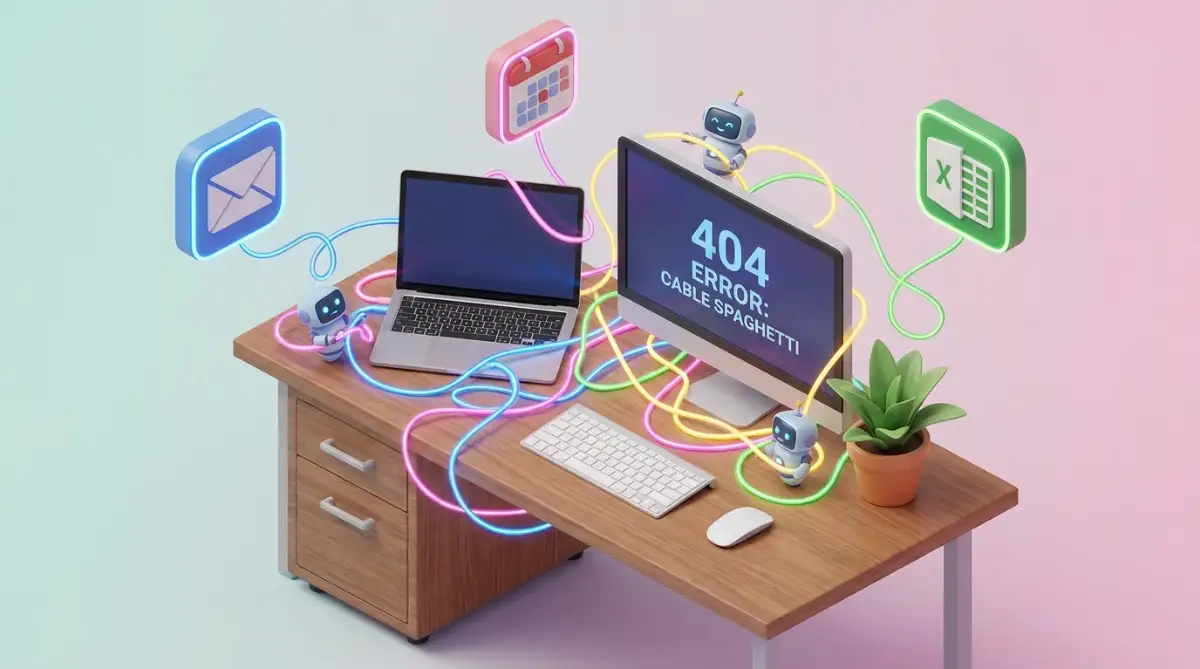
For instance, a client fills out a form, which triggers an email. That email triggers a spreadsheet update, which triggers a notification in your team chat, which then accidentally triggers a second welcome email to the client. When something breaks in this tangled mess, it is nearly impossible to figure out which string to pull to fix it.
You must keep your workflows incredibly linear and simple. A good rule of thumb is that if you cannot draw your automation process on a single napkin, it is way too complicated. If your workflows are starting to feel messy and unmanageable, it might be time to rethink how you are building them, much like how the tech industry is questioning if low code development software replacing human programmers is actually creating more complicated digital messes.
Forgetting the "Human Touch" in Customer Communication
Automation is fantastic for moving data around your computer, but it can be terrible for talking to your actual customers if you do it wrong. When you automate your client emails, you run a huge risk of sounding like a cold, heartless robot.
People can instantly tell when an email was generated by a machine. If your welcome email says, "Hello [First Name], your payment of [Amount] has been received," your new client is going to feel completely unvalued. You have solved your data entry problem, but you have ruined the customer relationship.
You have to inject real human warmth into your automated messages. Use casual language, add a friendly sign-off, and maybe even include a funny GIF. If you are struggling to make your automated messages sound natural, you should learn exactly why your AI generated content sounds robotic and how to quickly fix it.
Ignoring Basic Data Privacy Rules
When you connect multiple software platforms, your private business data is suddenly traveling across the open internet. Many business owners completely forget to check if these connections are actually secure.
If you are passing sensitive client information, like medical records or financial details, between two different apps, you must ensure both apps are compliant with privacy laws. If your automation tool gets hacked, all of your connected client data could be exposed in seconds.
The Information Commissioner's Office (ICO) constantly warns businesses about the legal risks of transferring personal data through unverified third-party APIs. You must take the time to read the privacy policies of the tools you are using to build your bridges.
Additionally, be extremely careful about what information you are feeding into public text generators. You should always be aware of how free AI generators use your private prompts before you automate sensitive data flows through them.
Your Action Plan for a Frictionless Business
You now have a complete understanding of why manual data entry is quietly suffocating your business growth, and exactly how smart software can fix it. You understand how optical character recognition pulls data from messy paper, and how digital bridges connect your isolated apps together. You are fully equipped to build a system that works tirelessly in the background.
The real magic happens when you finally let go of the control and trust the system you built. The first time you watch a messy invoice automatically transform into a perfectly organized spreadsheet row without you touching a single key, your entire perspective on work will change.
You will suddenly realize how much mental space you have been wasting on robotic tasks. You can finally take that energy and pour it directly into creating better products, serving your clients at a higher level, or simply taking a well-deserved afternoon off.
My best advice to you right now is to pick just one tiny, annoying manual task that you absolutely hate doing. Dedicate thirty minutes this week to automating that single task. I promise you, once you see how easy it is, you will never want to go back to the old way of doing things. You have the tools; now go build your perfect workflow!
Common Questions About Ditching Manual Data Entry
Will automation software completely replace my current accountant?
Not at all. Automation handles the boring, repetitive copying and pasting of numbers. Your accountant will still use their expert human brain to analyze those numbers, find tax deductions, and give you high-level financial strategy advice.
Do I need to know how to write computer code to set this up?
Absolutely not. Modern automation tools use simple visual interfaces, often called "no-code" platforms. If you know how to click a mouse and choose options from a drop-down menu, you have all the technical skills required to build these workflows.
What happens if the internet goes down while an automation is running?
Most high-quality cloud automation platforms are incredibly resilient. If they lose connection with one of your apps, they usually pause the action and keep trying again every few minutes until the connection is restored, ensuring your data is not lost.
Is it expensive to start automating my business data?
It is surprisingly cheap, and often completely free to start. Many of the most powerful automation tools offer generous free tiers that easily cover the basic needs of a small business. You only start paying when your business grows and your workflows become highly complex.
Disclaimer: The information provided in this article is for educational and informational purposes only and should not be construed as professional financial, IT, or legal advice. Always consult with a qualified software integration specialist or business advisor regarding your specific workflow needs and data compliance requirements.