The Hidden Spy on Your Wrist: My Wake-Up Call
You bought that shiny new smartwatch to count your steps and read texts on the go. But what if I told you it is silently tracking every coffee shop you visit, listening to your background conversations, and sharing your heart rate with random advertising companies? I used to wear my watch 24/7 without a second thought, until I realized it was basically a glowing tracking bug strapped to my wrist. Today, I am going to show you exactly how to stop the data drain and lock down your wearable tech in less than five minutes.
My watch had been silently recording my exact coordinates every single minute of the day. I felt a sudden cold chill run down my spine. That tiny, helpful device was essentially acting as a permanent tracking bug attached directly to my body.
Many of us buy these gadgets to get healthier, stay organized, or simply check messages on the go. We want to count our daily steps, monitor our sleep quality, and feel more connected. But we rarely stop to think about the invisible cost of this modern convenience.
Think about the immense amount of deeply personal data sitting on your wrist right at this moment. Your watch knows exactly when you fall asleep, when you toss and turn, and when you finally wake up. It knows your resting heart rate, your physical stress levels, and the exact routes you take to work or the gym.
If you leave the default device settings turned on, you are basically handing out your most intimate secrets to massive tech corporations. The mental burden of knowing you have zero digital boundaries left can completely destroy your peace of mind. Every time a highly targeted advertisement pops up on your phone for something you just did, it feels incredibly creepy and violating.
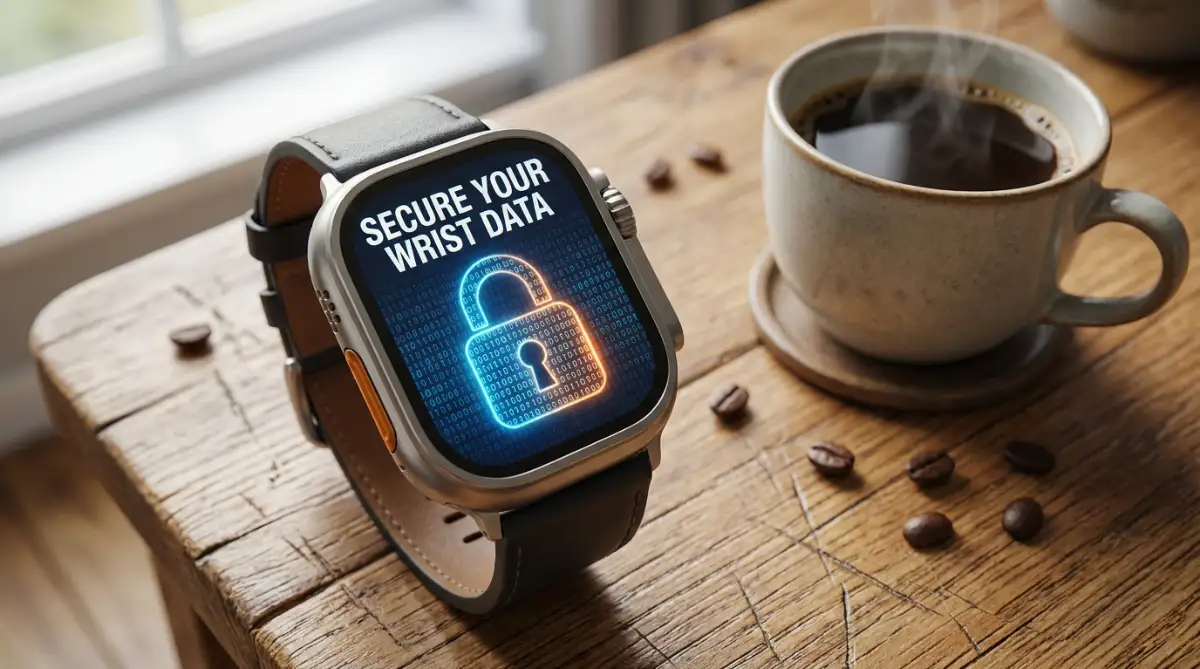
Quick Security Fixes (Do These Right Now):
- Kill the location tracker: Set your maps and running apps to access your GPS "Only While Using."
- Mute the mic: Turn off the feature that keeps your voice assistant constantly listening to your background conversations.
- Hide your texts: Change your notification settings so messages only show the sender's name until you physically tap the screen.
- Lock it down: Enable wrist detection so your watch requires a PIN code the second you take it off.
Shattering the Illusion: Myth vs. Reality of Wearable Tech
Before we fix the problem, we need to understand exactly how our gadgets behave out of the box. Most people believe that buying a premium product guarantees a high level of built-in security. Let us clear up some major misconceptions about wearable technology.
Myth: The company only collects data to make my watch work better.
Reality: While some data helps improve features, a massive portion of your information is packaged and shared with third-party data brokers. Your habits are turned into a highly profitable profile.
The Smartwatch Data Danger Meter
- 🔴 High Risk: Background Location Tracking (Tells strangers exactly where you live and work).
- 🟠 Medium Risk: Always-On Microphone (Constantly records background noise waiting for a wake word).
- 🟡 Low Risk: Basic Step Counting (Generally safe, as long as you do not share it with random third-party apps).
Myth: If I do not open an app, it cannot track me.
Reality: Most wearable applications run continuously in the background. They quietly sync your location, microphone inputs, and heart rate without ever asking for your active permission again.
This constant background spying drains your battery and strips away your basic rights to personal space. You deserve to use your favorite tech without feeling like you are constantly being watched. The good news is that you can easily take back control today.
Take Back Your Boundaries: The Ultimate Setup Guide
We are going to walk through the exact adjustments you need to make right now. You do not need a degree in computer science to do this. These simple adjustments will immediately stop the silent data drain happening on your wrist.
1. Shutting Down the Silent Location Stalker
Your location data is arguably the most sensitive piece of information you generate every day. When your smartwatch constantly tracks your GPS coordinates, it creates a highly accurate map of your daily life. Anyone with access to this data knows where you live, where you work, and exactly what time you leave your house empty.
Imagine walking through a park and leaving a trail of glowing breadcrumbs behind you. That is exactly what your smartwatch is doing digitally. You are broadcasting your exact movements to servers located hundreds of miles away.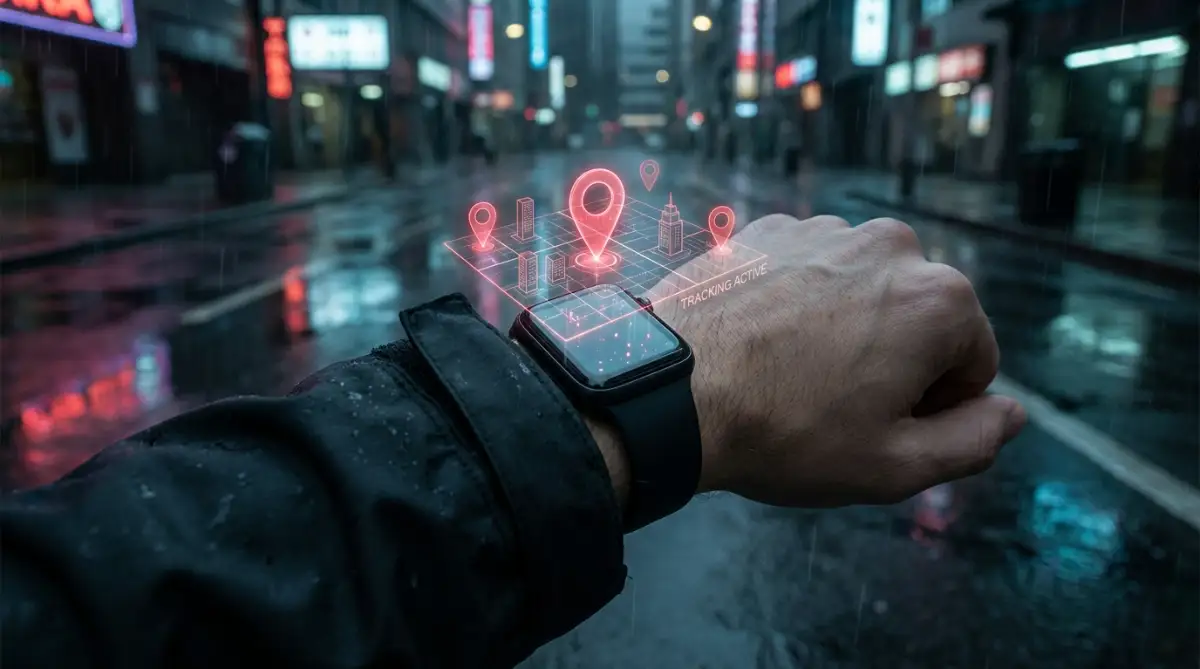
To stop this, you need to dig into your companion phone app and find the location permissions. Do not set location access to "Always On" for any app unless it is absolutely necessary. Change the setting to "Only While Using the App" for things like your running tracker or mapping tool.
By making this single change, you instantly cut off the constant stream of background tracking. You will also notice a significant improvement in your device battery life by the end of the day.
2. Muting the Always-Listening Microphones
Voice assistants are incredibly helpful when you need to set a quick timer while cooking. However, to hear your "wake word," the microphone on your watch must constantly listen to everything happening around you. This means your private conversations, work meetings, and phone calls are constantly being processed by the device.
Pro Tip: I recently realized that my watch was triggering its voice assistant purely from the background noise of my television. I went straight into my settings and completely disabled the "Listen for Wake Word" feature. Now, if I want to use the assistant, I simply hold down the physical button on the side of the watch.
Turning off the always-listening feature gives you back a massive sense of privacy. You no longer have to wonder if your tech is eavesdropping on your family dinners. Simply navigate to your voice assistant settings and turn off automatic voice activation.
Watch This Expert Breakdown on Wearable Security Flaws
If you want to see exactly how exposed your default settings leave you, this eye-opening demonstration shows the hidden dangers of wearable tech.
3. Locking Down Your Most Intimate Health Metrics
Health tracking is the primary reason most people purchase a modern wearable device. Seeing your daily step count go up or checking your sleep score can be very motivating. But health data is incredibly personal and needs to be guarded like your medical records.
Your device collects highly sensitive information, including heart rate variability, blood oxygen levels, and even female cycle tracking. You would never hand a stranger on the street your complete medical file. Yet, many third-party fitness apps ask for total access to this exact information.
You need to review which external apps are allowed to read your central health dashboard. Go into your health app settings and carefully check the data-sharing permissions. Disconnect any random diet apps, free workout trackers, or social fitness games that do not genuinely need your heart rate data to function.
Keep your medical and fitness information locked entirely within the native, encrypted ecosystem of your device. This ensures your physical well-being does not become a tool for targeted health-supplement advertisements.
4. Stopping the Over-the-Shoulder Snooper (Notification Privacy)
We have all experienced that sudden moment of panic in a crowded room. You are sitting in a quiet office meeting, and a highly personal text message pops up on your brightly lit watch screen. Suddenly, the person sitting next to you knows about your private family drama or financial situation.
Smartwatches are designed to catch your attention with bright colors and large text. Out of the box, they are usually set to display the full content of every single message you receive. This completely destroys your physical privacy in public spaces.
You can easily fix this by changing how alerts behave on your screen. Go into your notification settings and find the option for message previews. Change it so that the watch only shows the name of the sender, hiding the actual message text until you tap the screen.
This tiny adjustment creates a powerful physical boundary between you and the people around you. You can still see who is trying to reach you, but your private conversations remain totally hidden from prying eyes.
5. Managing the Hidden Web of Third-Party Access
When you download a new watch face or a simple calculator app, you might be agreeing to hidden terms. Many free applications make their money by aggressively scraping data from your device and selling it. They ask for sweeping permissions that have absolutely nothing to do with their actual purpose.
Why would a simple digital watch face need access to your contacts list or your microphone? The simple answer is that they want to harvest your information. You need to become completely ruthless about what you allow on your wrist.
Regularly audit the software installed on your wearable device. If you have not used a specific app in a few weeks, completely delete it. For the apps you decide to keep, go into the permission manager and revoke access to anything they do not strictly need.
Taking a few minutes to clean up your installed software makes your device much faster and significantly more secure. You are effectively closing the digital doors that data brokers use to sneak into your life.
6. Securing Your Bluetooth Connections
Your watch constantly communicates with your phone using a Bluetooth connection. While modern Bluetooth is generally secure, leaving it completely open and undiscoverable can sometimes invite trouble. If you frequently travel on public transit or spend time in crowded coffee shops, your device is constantly pinging other electronics.
Hackers sometimes use sophisticated scanning tools in public places to intercept weak Bluetooth signals. While the risk of someone stealing your banking details this way is low, they can easily grab your location data or device ID.
Make sure your device is set to "non-discoverable" mode once it is paired to your main phone. This makes your wrist effectively invisible to anyone else actively scanning for open connections in the room. It is a very simple change that adds a strong layer of digital armor to your daily commute.
7. Creating a Bulletproof Passcode Habit
It sounds incredibly basic, but you would be shocked at how many people leave their smartwatch entirely unlocked. We lock our phones, our computers, and our front doors. Yet, we leave a device containing our emails, texts, and mobile payment cards completely unprotected.
If you take your watch off at the gym and someone grabs it, they have instant access to your digital wallet. They can read your private work emails and send messages pretending to be you.
Enable the wrist detection feature immediately. This brilliant setting automatically locks the screen the exact second you take the device off your skin. You will only have to type your passcode once when you put it back on in the morning.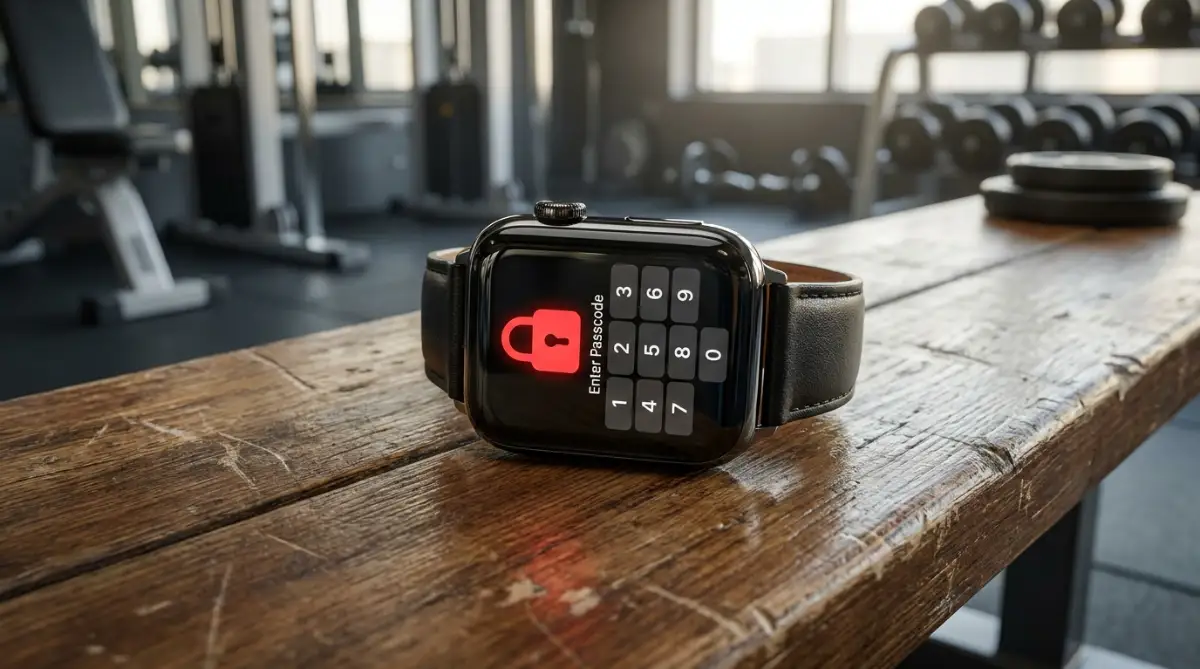
Choose a passcode that is not simply your birth year or four zeros. Treat this tiny computer with the exact same level of security respect you give to your primary smartphone.
8. The Danger of Automatic Cloud Backups
Cloud backups are wonderfully convenient when you buy a new device and want to restore your old settings. However, pushing all of your daily tracking data to a remote server creates a massive security vulnerability. Once your data leaves your device, you are entirely relying on the server security of a giant corporation.
Data breaches happen to large companies every single day. If hackers break into a fitness tracking server, your personal routines and GPS routes could end up on the dark web.
Check your primary account settings to see exactly what is being synced to the cloud. You can usually choose to keep your health data entirely local on your own device. If you must use cloud backups, ensure that your account has two-factor authentication firmly enabled.
Taking control of where your data lives is the absolute strongest way to protect your digital identity. You are deciding that your personal life belongs to you, not to a server farm.
This level of awareness completely changes how you interact with modern technology. You stop being a passive product and finally become the true owner of your digital footprint.
Taking Your Wearable Security to the Next Level
Once you have mastered the basic settings, it is time to look at the bigger picture of your digital footprint. Most people stop after turning off their location, but true privacy requires a slightly deeper understanding of how these devices communicate. Your watch does not just talk to your phone; it constantly interacts with the environment around you.
Let us talk about your digital wallet. Having your credit cards accessible on your wrist is incredibly convenient when you are paying for groceries. However, if you do not manage this feature properly, you are carrying around an unprotected vault of financial data.
I always recommend setting up a dedicated shortcut for your mobile payments. Do not leave the NFC (Near Field Communication) chip broadcasting openly all day. You want to make sure your payment system only activates when you physically double-tap a specific side button.
When you link your bank cards to your wrist, you are adding another entry point for potential digital theft. You should treat this setup with the same caution you use when managing your personal budget. Always review your transaction history directly on your bank app, rather than relying solely on the tiny notifications your watch provides.
Securing Your Smart Home Connections
Your smartwatch often acts as a remote control for your entire house. You might use it to turn down the thermostat, dim the living room lights, or even unlock your front door. This interconnected web of devices is amazing, but it also creates a massive security chain where your watch is the weakest link.
If an unauthorized person gains access to your wearable device, they could potentially unlock your house. This is why properly securing your tech ecosystem is so important. If you are currently building out your automated living space, I highly recommend reading a complete beginner's guide to setting up a secure smart home to ensure all your devices communicate safely.
Make sure your watch requires a passcode before allowing any smart home commands to execute. It might feel slightly annoying to type a pin code to open your garage, but that friction is exactly what keeps you safe. Convenience should never completely override your physical safety.
Managing Medical IDs and Emergency Contacts
Modern wearables come with incredible life-saving features like fall detection and emergency SOS buttons. Setting up your medical ID can genuinely save your life if you are ever in an accident. First responders are actually trained to check your wrist for this exact information.
However, you get to choose exactly how much medical information is visible on that emergency screen. You do not need to list your entire medical history or every single medication you take. Stick to the absolute basics: your blood type, severe allergies, and one primary emergency contact number.
The Federal Trade Commission (FTC) provides clear guidance on protecting your health information when using digital fitness tools. Their research confirms that oversharing on digital platforms often leads to your data being scraped by insurance analysts. Keep your public-facing medical profile as brief as safely possible.
The Hidden Danger of Public Wi-Fi Auto-Join
We often think about our phones connecting to public networks, but we forget our watches do the exact same thing. If your phone is set to automatically join the free Wi-Fi at your local coffee shop, your watch likely follows suit. This means your private messages and health syncs are suddenly passing through an unsecured public router.
Using open networks is incredibly risky because anyone else on that network can potentially intercept your data traffic. This is especially dangerous when you are traveling and hopping between random airport or cafe networks. You need to go into your watch settings and manually disable the "Auto-Join Networks" feature immediately.
Understanding the True Cost of Sleep Tracking
Wearing your device to bed is the best way to gather data about your physical recovery. The sensors monitor your heart rate dips, your breathing patterns, and how often you wake up in the middle of the night. This is highly intimate biological data that paints a perfect picture of your overall physical stress.
Always use the native sleep tracking software that comes built into your device by the manufacturer. These internal apps are usually encrypted on the device itself and are much less likely to share your data with outside brokers. Your physical exhaustion should never become someone else's targeted advertising campaign.
Smartwatch Security: Rookie vs. Pro
- The Rookie Setup: Leaves Wi-Fi auto-join on, uses no passcode, and lets the watch show full text messages to anyone standing nearby.
- The Pro Setup: Turns on wrist-detection lock, changes location access to "Only While Using", and completely disables the always-listening voice assistant.
Dangerous Security Traps Most Users Fall Into
Even when people try to protect their data, they often stumble into invisible digital traps. These mistakes are rarely obvious, and the tech companies certainly do not go out of their way to warn you about them. Let us walk through the most common pitfalls that completely ruin your wearable security setup.
The "Agree to All" Setup Trap
When you unbox a new gadget, you are usually very eager to just get it working. The screen presents you with a massive wall of legal text and a giant, brightly colored "Agree to All" button. It feels natural to simply click it and move on with your day.
By clicking that single button, you are legally consenting to massive data collection policies. You are giving the company permission to track your location, read your contacts, and share your metrics with their "trusted partners." Never use the express setup option when configuring a new piece of technology.
Always take the extra five minutes to choose the custom setup route. This allows you to individually decline the invasive tracking features while still letting the device function perfectly. Protecting yourself from the very beginning is much easier than trying to revoke permissions months later.
Downloading Sketchy Custom Watch Faces
Customizing the look of your screen is one of the most fun parts of owning a digital watch. There are thousands of free designs available that make your screen look like a classic sports watch or a futuristic dashboard. But you have to ask yourself how these developers are making money if the download is completely free.
The reality is that many free customization apps are essentially disguised data harvesters. They request background access to your phone to serve you targeted ads or collect your location data. If you want to understand how this shadow industry operates, reading about how free ai generators use your private prompts and ways to stop it gives you a great perspective on hidden data costs.
Stick to the official watch faces provided by the manufacturer in the native store. If you truly want a third-party design, pay the two dollars for a premium version from a highly rated developer. Paying a small upfront fee usually guarantees that the creator does not need to sell your personal information to make a profit.
Ignoring Critical Software Updates
Nobody likes waking up to see that their device is demanding a software update. It feels like an annoying interruption, so most of us just hit the "Remind Me Later" button. We do this for weeks on end, completely ignoring the little red notification dot on our screens.
What you might not realize is that these updates rarely just add new emojis or minor features. They usually contain major security patches designed to block newly discovered hacking methods. According to the Electronic Frontier Foundation's research on consumer tech security, running outdated software is the number one reason personal devices get compromised.
When you delay an update, you are leaving your digital front door wide open for malicious actors. If a hacker discovers a flaw in the Bluetooth connection, the company issues a patch to fix it. If you do not install that patch, your wrist remains completely vulnerable to anyone using that specific exploit.
Believing the Battery Drain Myths
Many people refuse to dig into their settings because they are terrified of ruining their battery life. They think that actively managing their background apps will somehow make the device work harder. This is a complete misunderstanding of how modern technology actually operates.
In reality, turning off constant location tracking and background app refreshing will massively extend your daily battery life. Your watch no longer has to constantly ping cell towers or process random data in the background. If you are constantly struggling with a dying battery, you should definitely read about the most common smartphone charging myths completely debunked to understand how these power cycles work.
Taking control of your privacy settings is a win-win situation for your daily routine. You get to keep your personal data completely secure, and you usually end up with an extra 20% of battery life by bedtime. Do not let old tech myths stop you from protecting your digital identity.
Failing to Wipe the Device Before Upgrading
Eventually, you will want to upgrade your current watch for a newer, faster model. You might decide to sell your old device online, give it to a younger sibling, or trade it in at the store. This is the exact moment when most massive data leaks accidentally happen.
Simply deleting your text messages or unpairing the watch from your phone is not enough. The internal hard drive still contains hidden files holding your health records, saved Wi-Fi passwords, and GPS history. Handing this over to a stranger is incredibly dangerous.
You must perform a complete, cryptographic factory reset directly from the device settings. This process entirely scrambles the data and overwrites the hard drive, making your personal files impossible to recover. Treat your old watch exactly like an old laptop; wipe it completely clean before it ever leaves your house.
Your Action Plan for a Safe Digital Life
Taking control of your wearable technology does not mean you have to stop enjoying it. These gadgets are incredible tools that can genuinely help us stay active and organized. The goal is simply to make sure the technology works for you, rather than secretly working against you.
By turning off background location tracking, you are claiming back your physical privacy. By auditing your health app permissions, you are ensuring your most sensitive biological data remains entirely yours. These small, intentional choices completely shift the power dynamic between you and the massive tech corporations.
When you know your digital boundaries are strictly enforced, you can actually relax and enjoy your daily routine. If you ever feel overwhelmed by the constant pinging of digital notifications, learning to master your calm nervous system regulation techniques that actually work can help you regain your focus. Your mental peace is worth far more than any step-counting streak or sleep score.
You do not need to be a cybersecurity expert to live safely in this connected era. You just need to be slightly more stubborn than the default settings on your screen. Take five minutes tonight, sit on your couch, and lock down your digital life.
I know how incredibly overwhelming digital privacy can feel at first. But the moment I finally locked down my own device, a massive weight of anxiety was lifted entirely off my shoulders. Take that small step today, and I promise you will feel so much better knowing your personal life truly belongs to you again.
Common Questions About Smartwatch Privacy
Will turning off location tracking ruin my workout stats?
No, turning off background location tracking will not ruin your workout data. You can simply set your fitness app to access your location "Only While Using," so it accurately maps your morning run and immediately stops tracking the second you finish.
Can someone hack my smartwatch remotely?
While it is technically possible, remote hacking is highly unlikely for the average person. The biggest actual threat is someone nearby intercepting an unpatched Bluetooth connection, which is exactly why keeping your software updated is so incredibly important.
Do I really need to lock my watch with a PIN?
Yes, using a PIN code is absolutely necessary to protect your personal data. Without a lock screen, anyone who picks up your device can read your private texts, view your health history, and potentially use your mobile payment cards.
How often should I check my app permissions?
You should make it a habit to quickly review your privacy settings every few months. I highly suggest doing a quick audit every time your watch installs a major software update, as these updates sometimes reset your manual preferences.
Are native health apps safer than third-party trackers?
Yes, the native health software built by your device manufacturer is generally much safer. The Mozilla Foundation's Privacy Not Included guide clearly shows that third-party fitness apps are far more likely to sell your personal data to outside advertisers.
Disclaimer: The information provided in this article is for educational and informational purposes only and does not constitute professional cybersecurity advice. Technology settings and privacy policies change frequently; always verify your device's current manual for the most accurate security procedures. We are not responsible for any data loss or device issues that may occur from altering your personal settings.